

Guide
Competitions
Enter a competition or run one: categories, judging, live ranking.
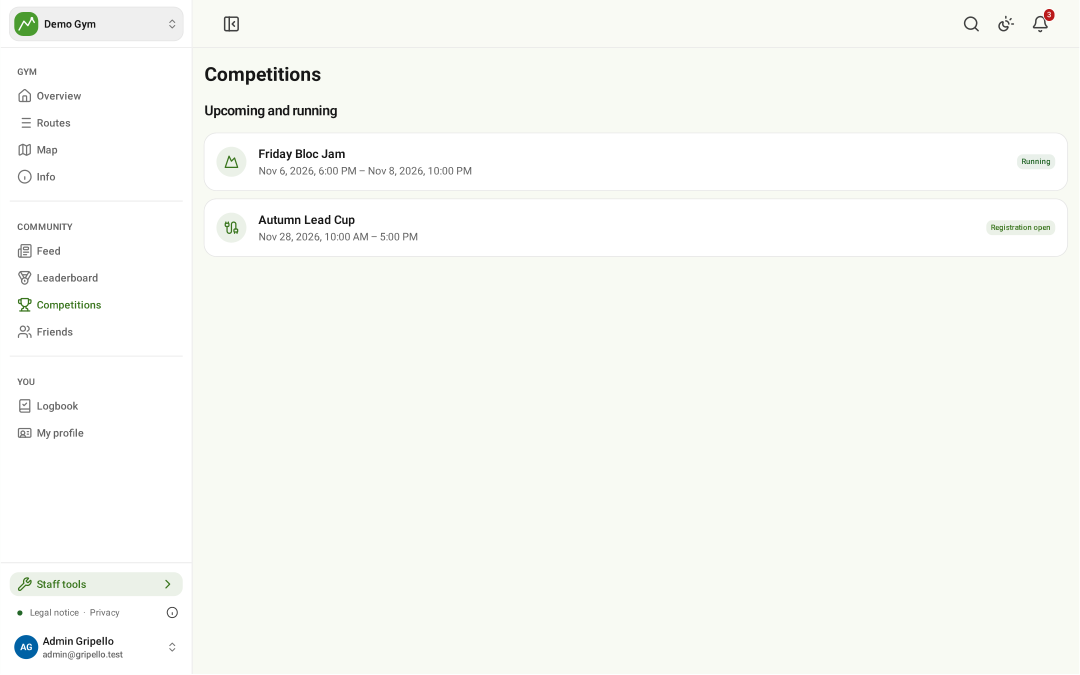
Find a competition
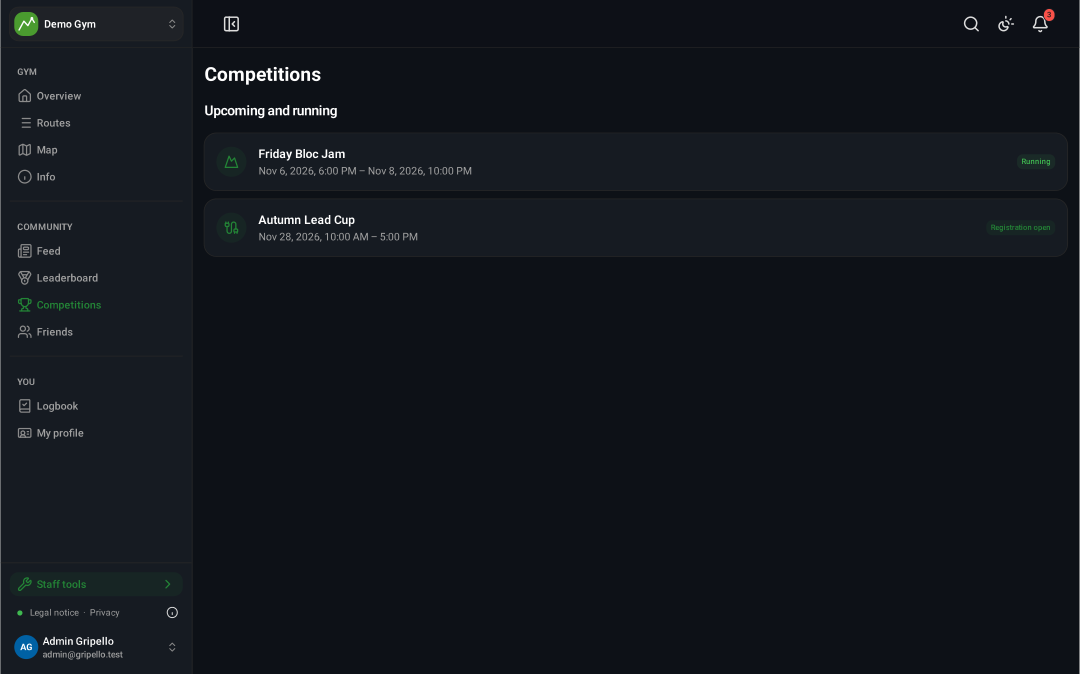
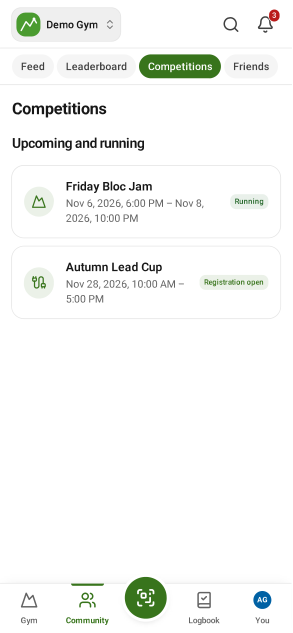
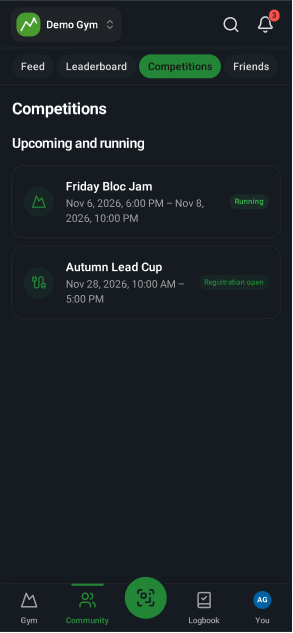
- Open Competitions for upcoming, running and past events.
Enter a competition
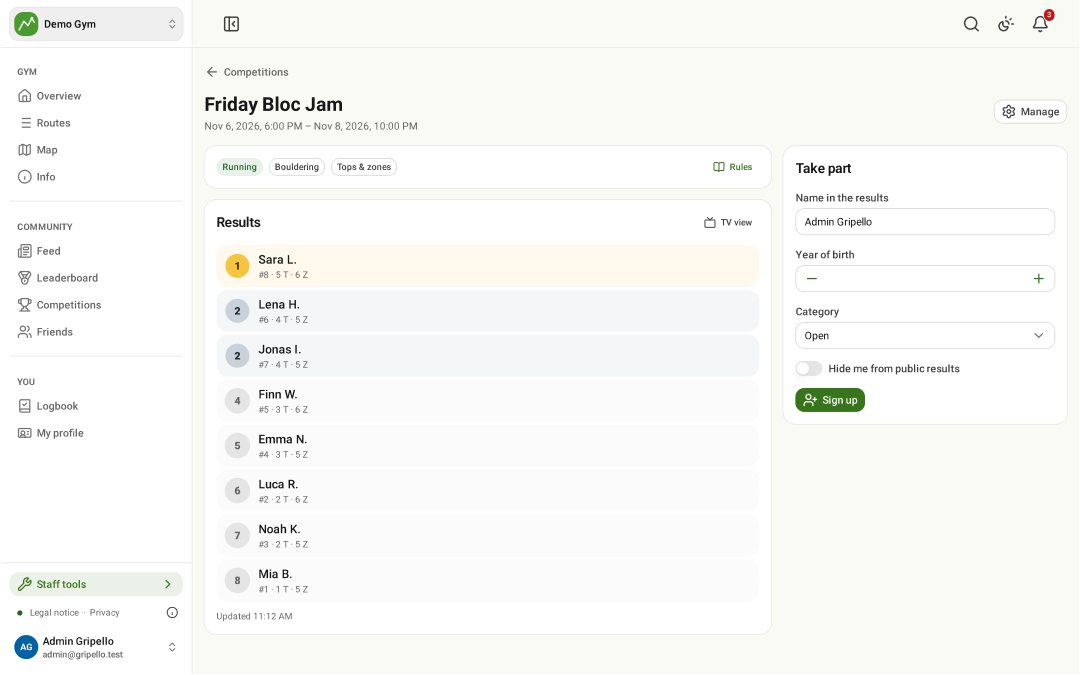
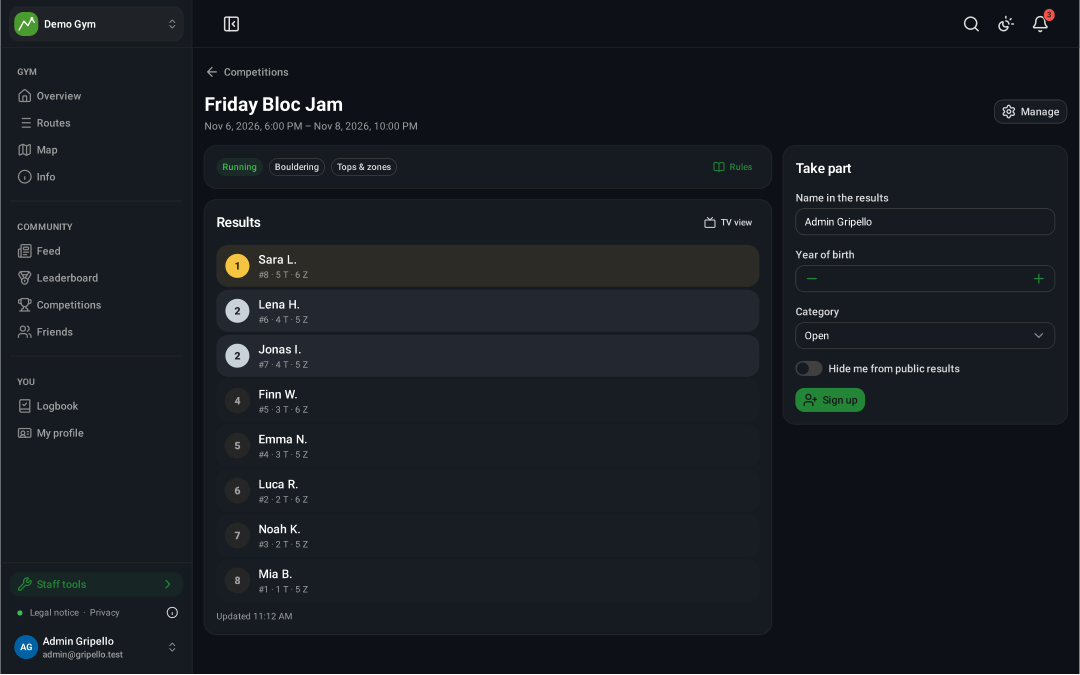
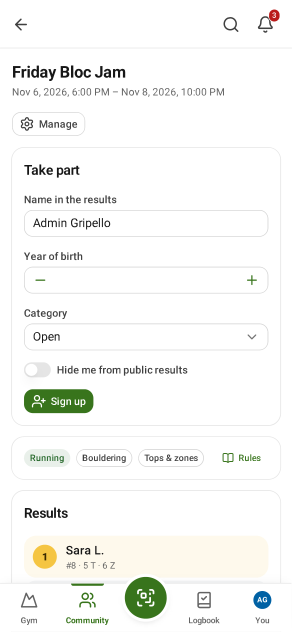
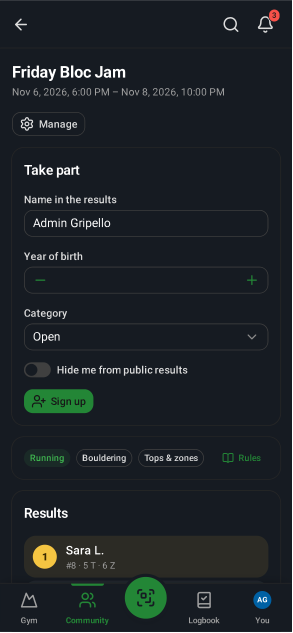
- Open it, fill in Take part and tap Sign up.
- Log your attempts on your phone while it runs; the ranking updates live.
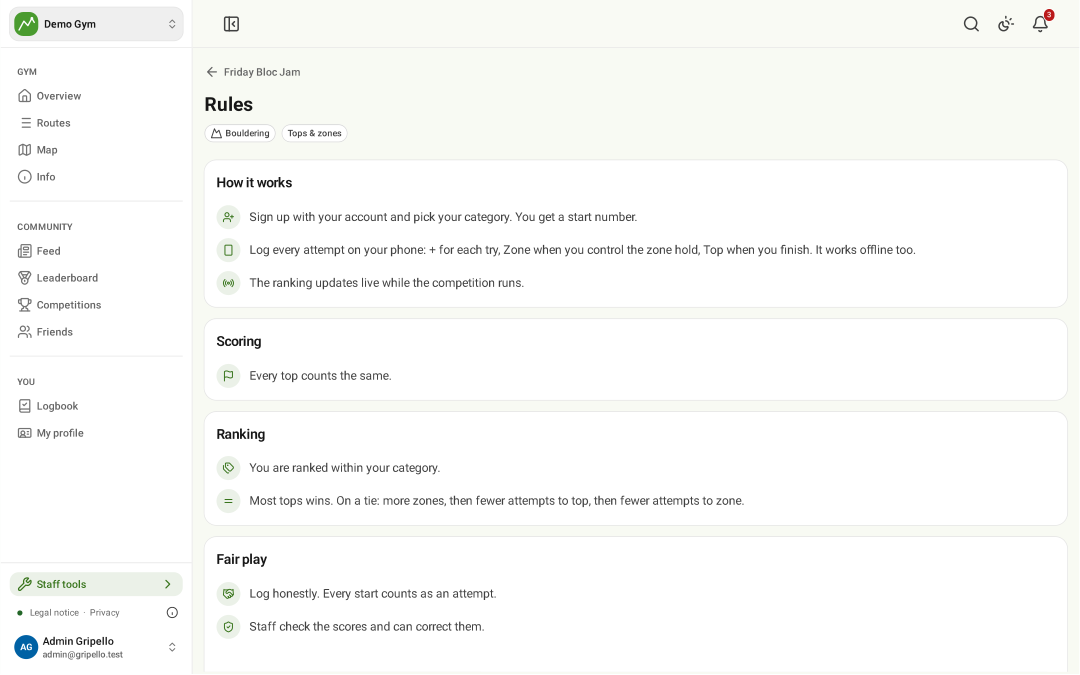
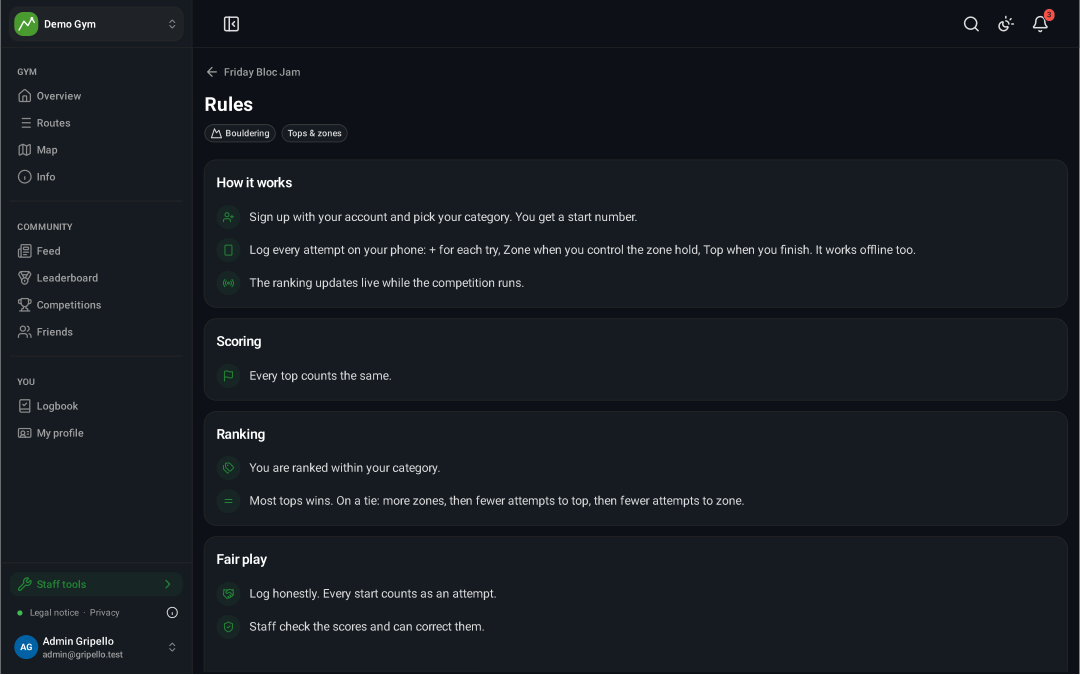
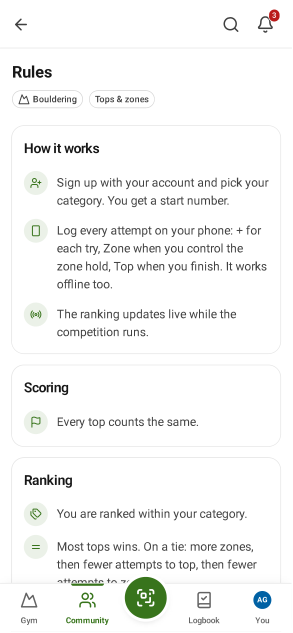
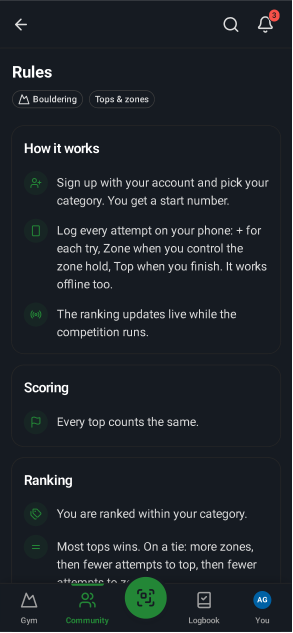
Rules
- Rules explains scoring, categories and fair play for this event.
Create a competition
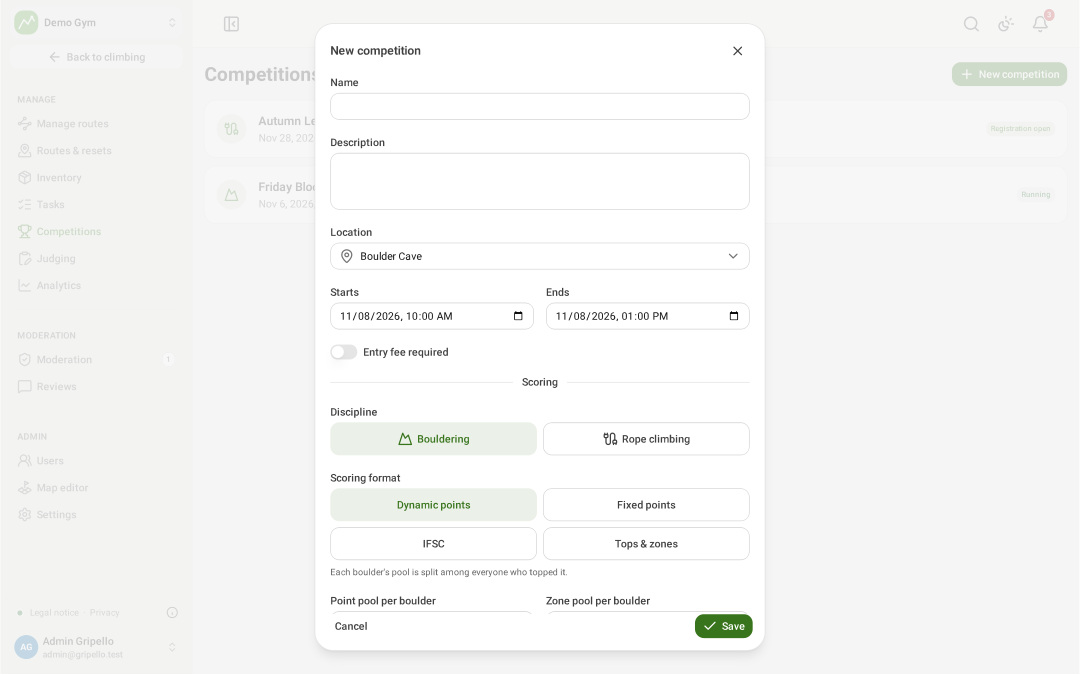
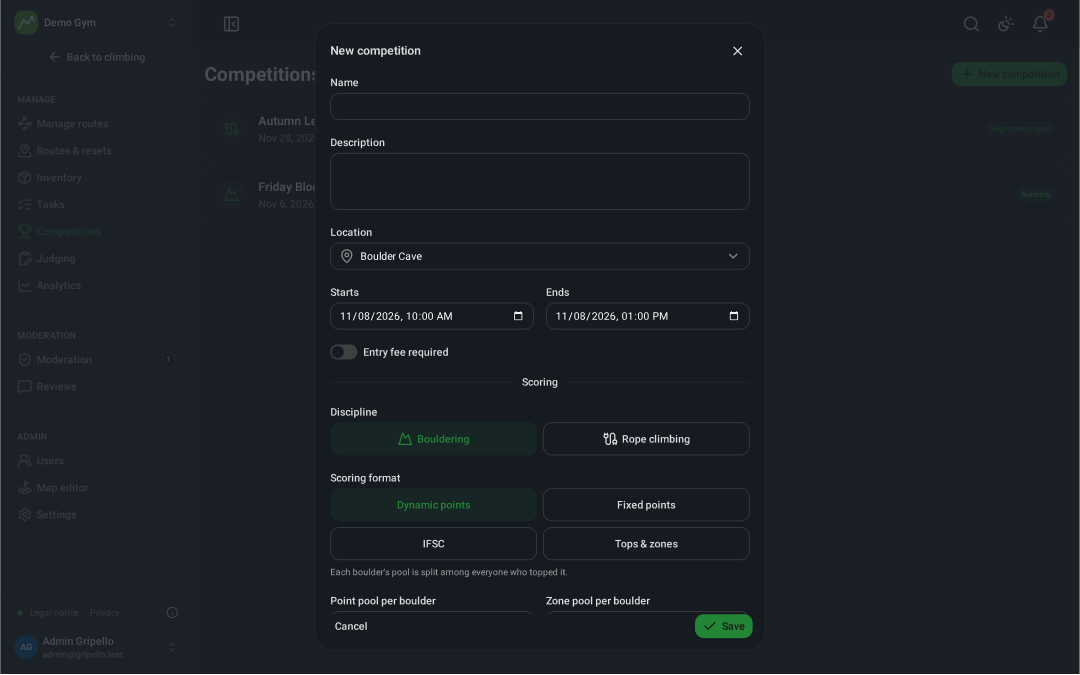
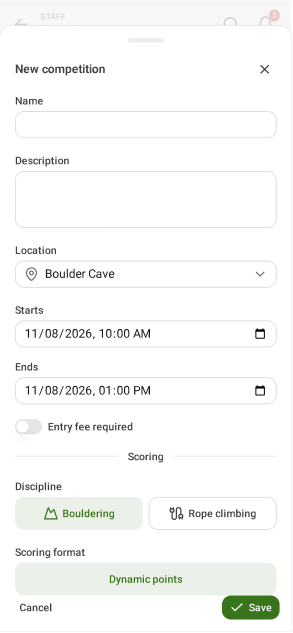
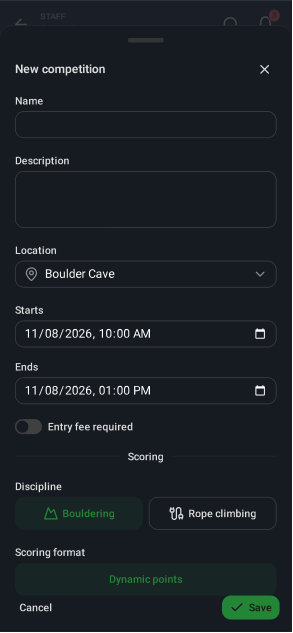
- Staff tools → Competitions → New competition.
- Pick discipline and scoring format, set the time, then add categories and boulders or routes.
Run it
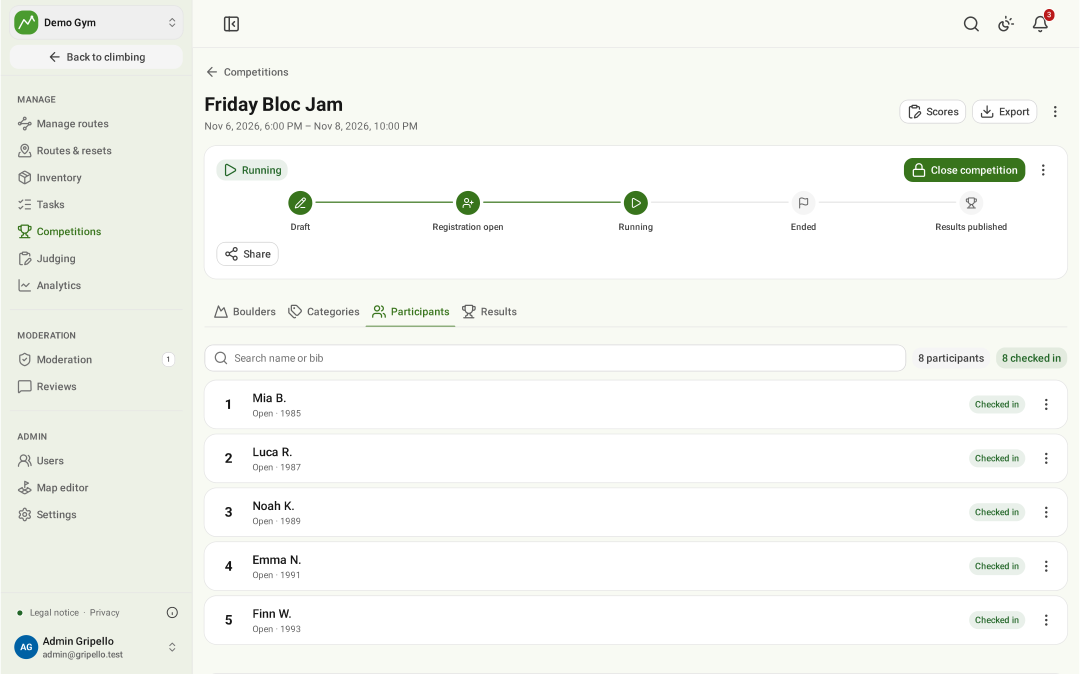
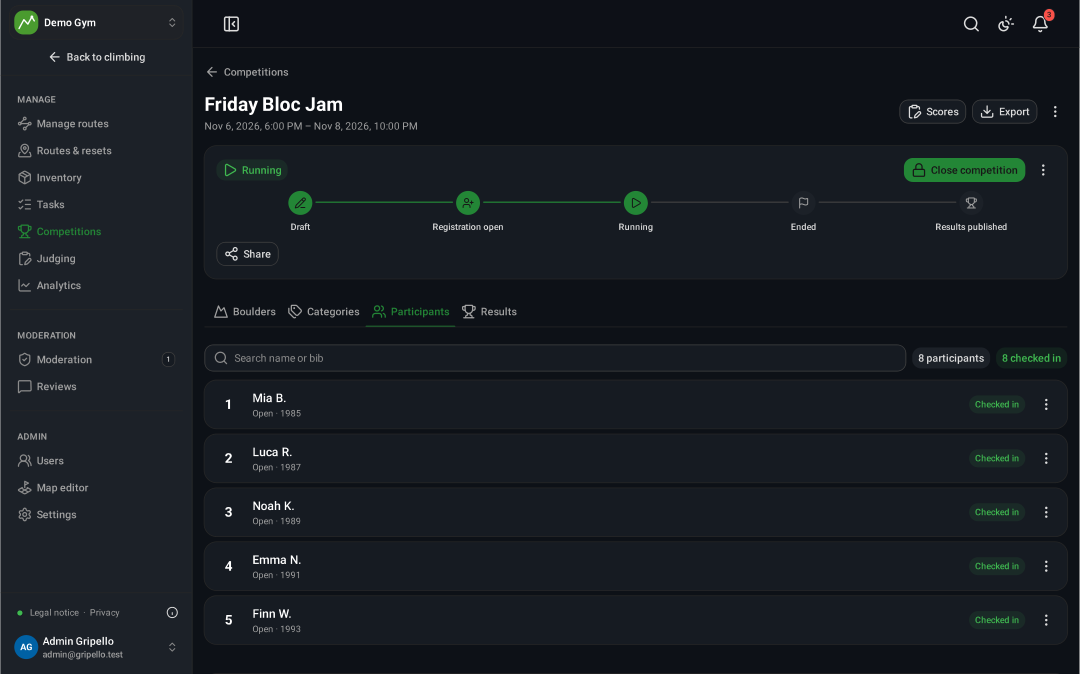
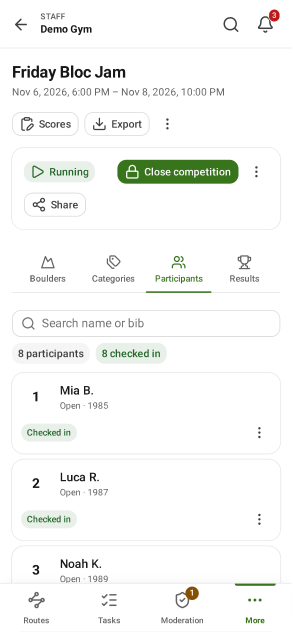
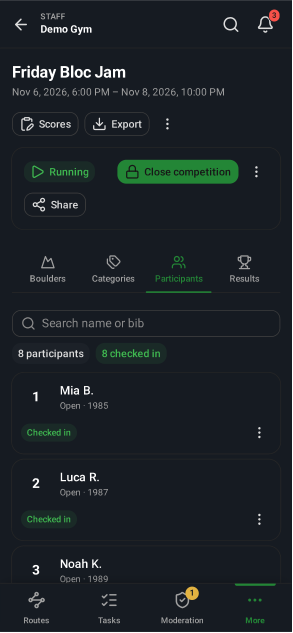
- Move it through Draft → Registration open → Running → Ended → Results published.
- Participants: check climbers in. Export the results.
Judge
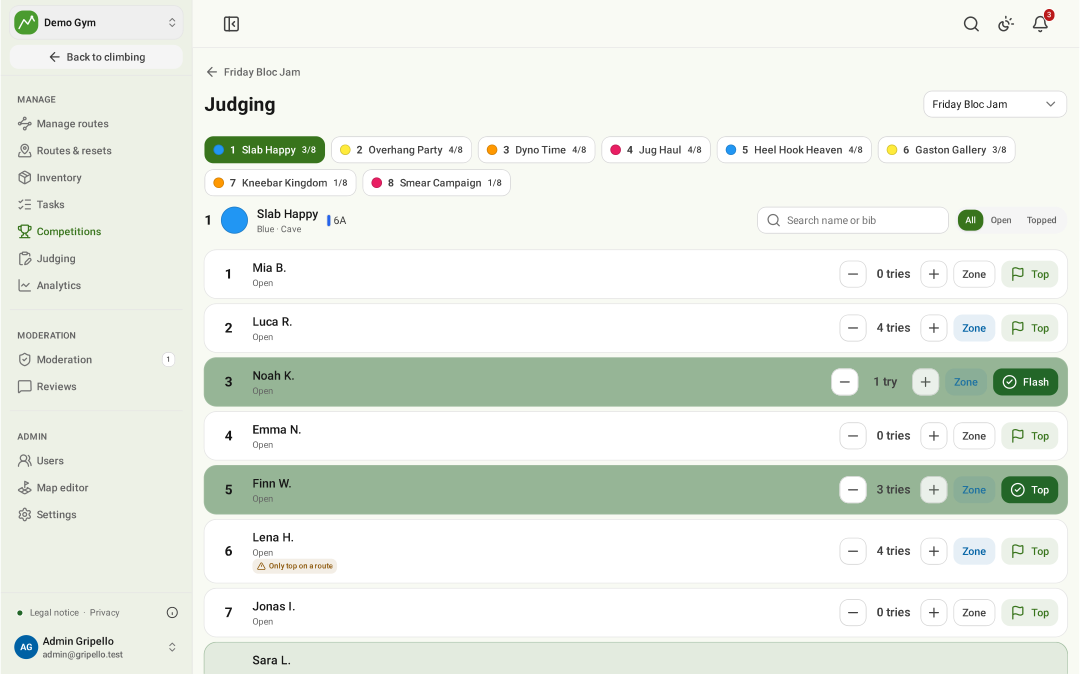
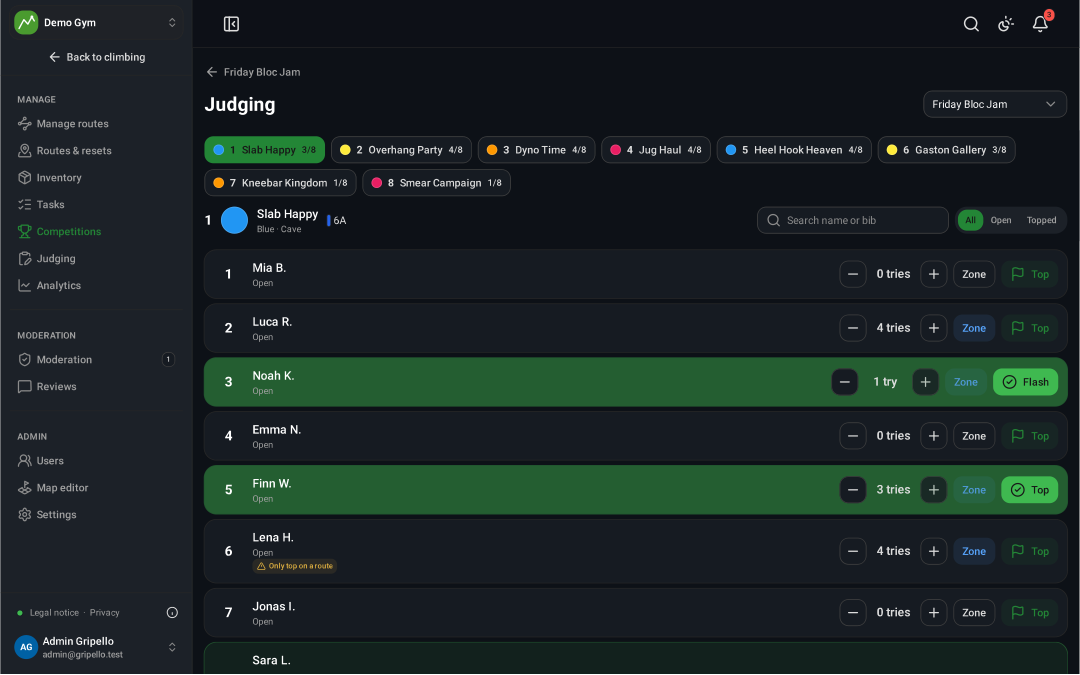
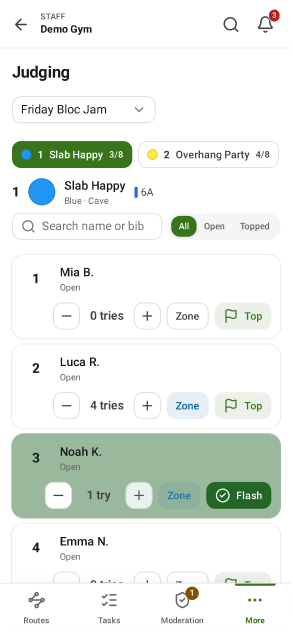
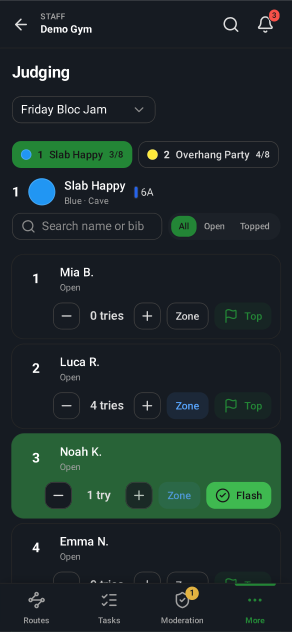
- Judging: pick a boulder, then count tries, zone and top per climber.
Live ranking on a screen
- Open TV view on a screen at the venue; it refreshes by itself.


