
Guide
Gym admin
Staff, roles, map, settings, moderation.
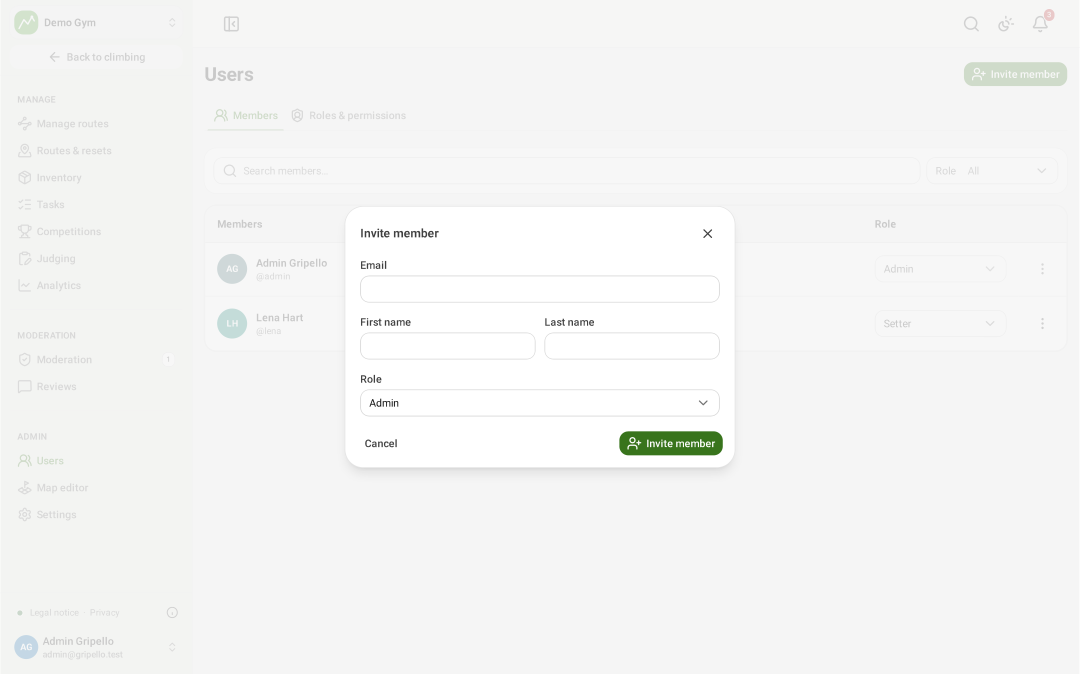
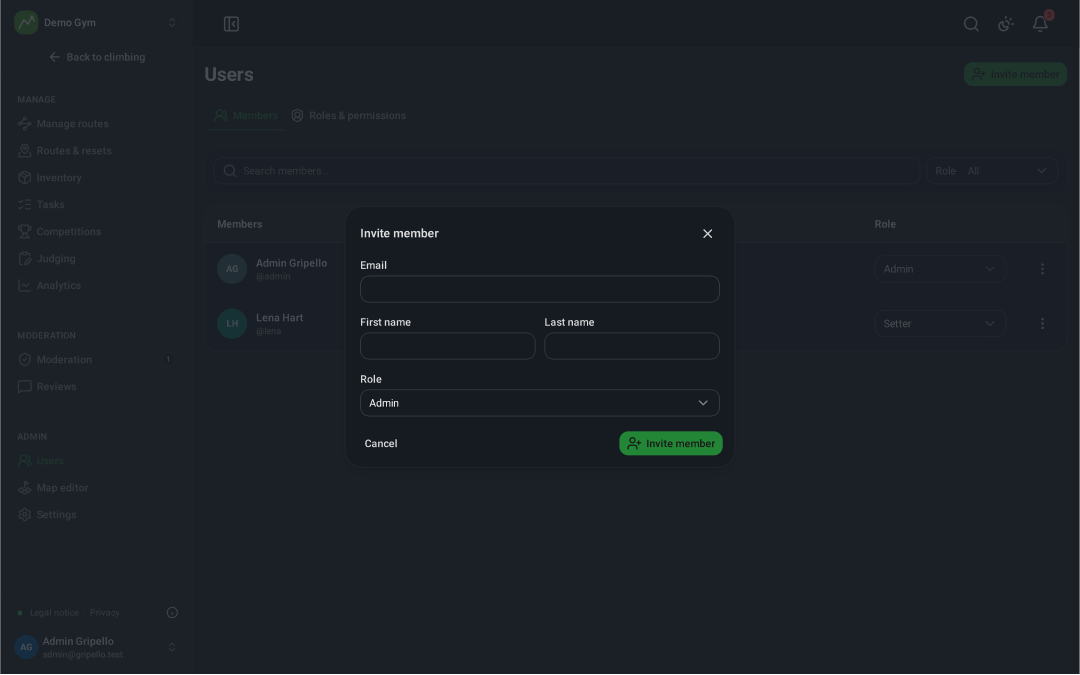
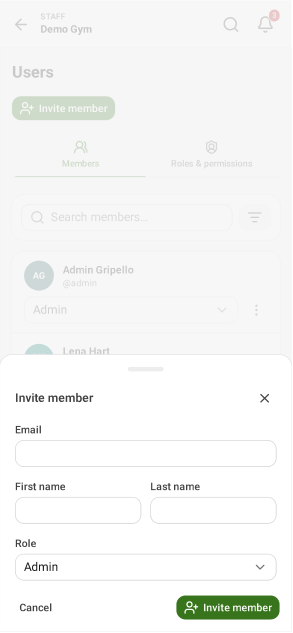
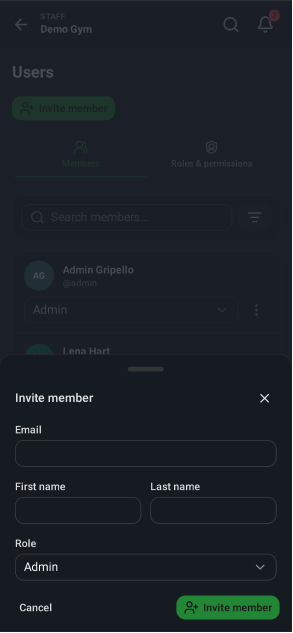
Invite staff
- Users → Invite member.
- Enter the email and pick a role; they get an invitation link.
Roles and permissions
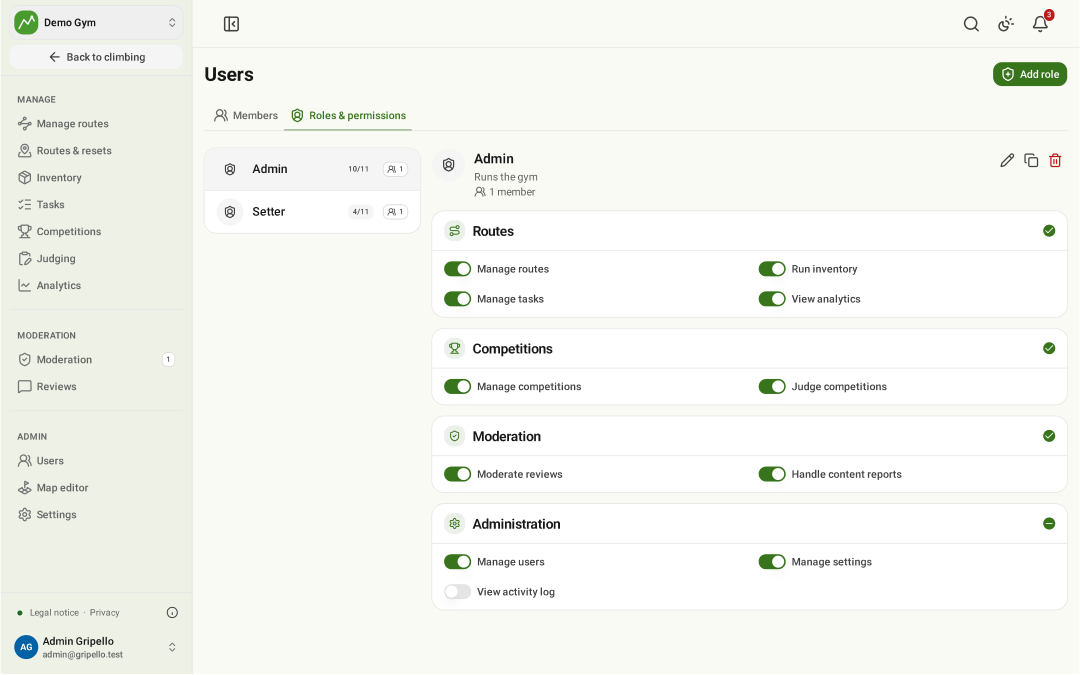
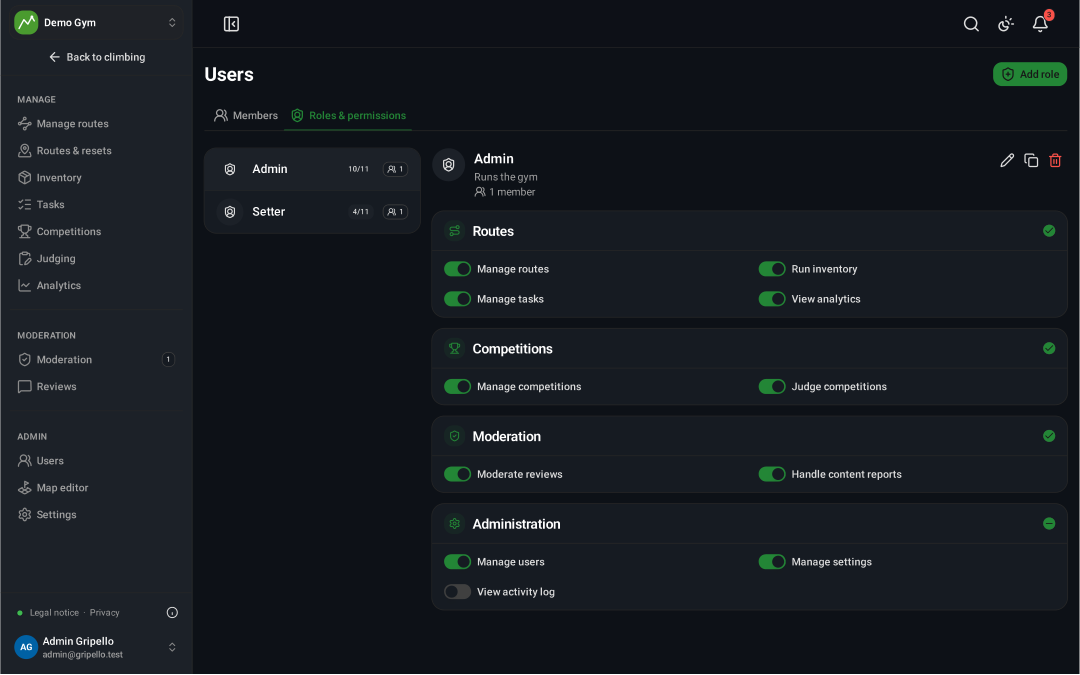
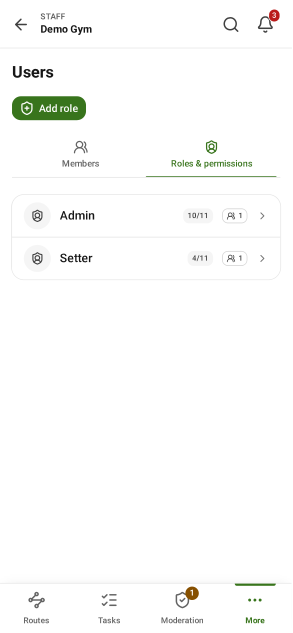
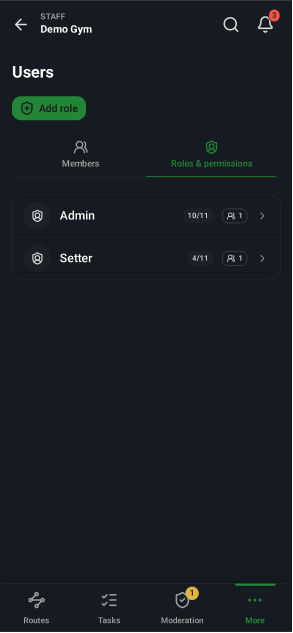
- Users → Roles & permissions: create roles and tick what each may do.
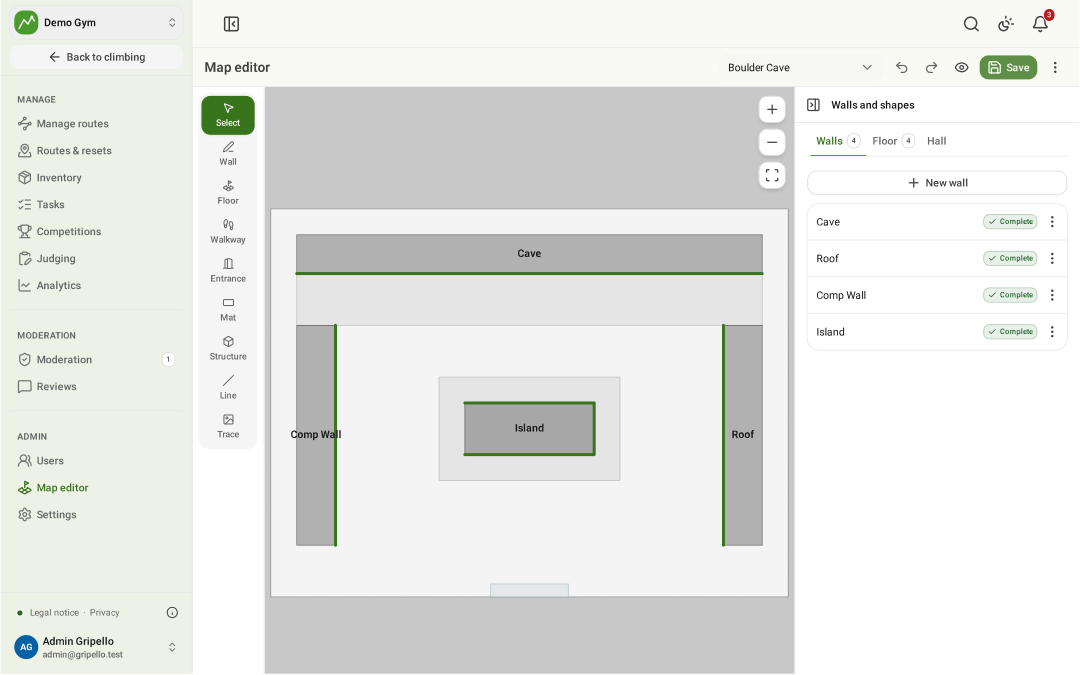
Draw the gym map
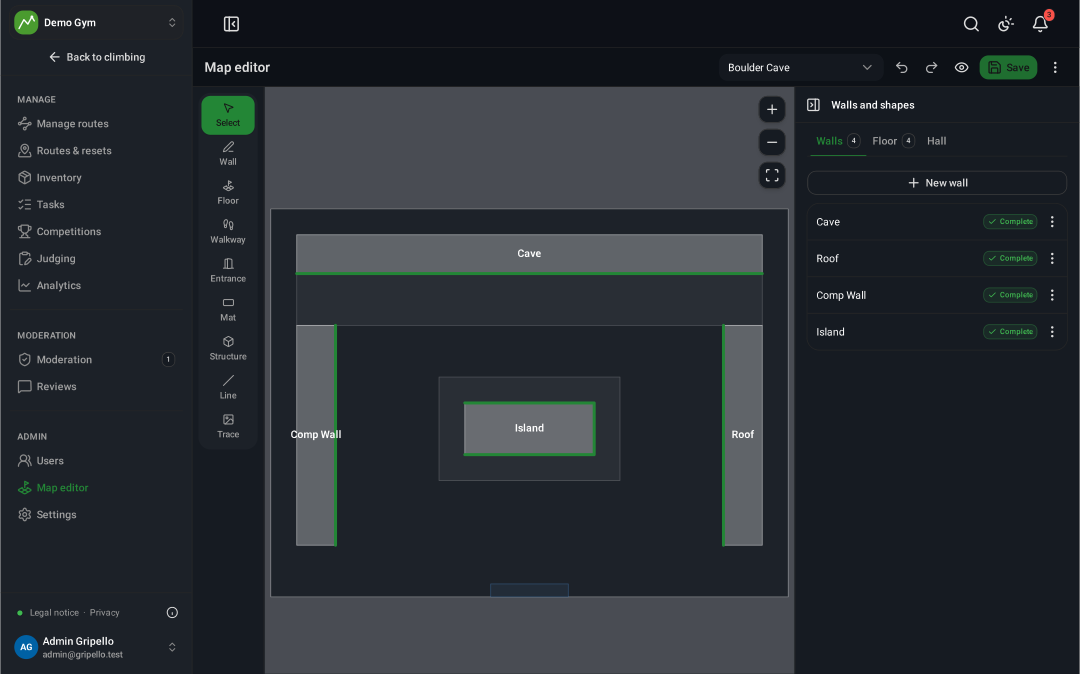
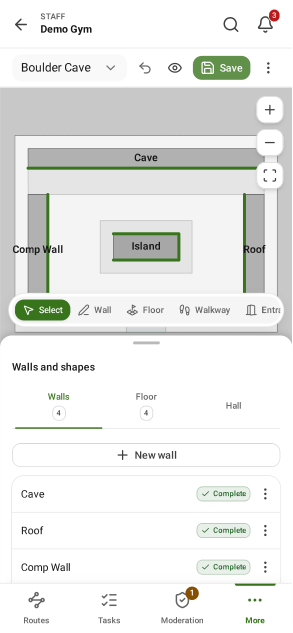
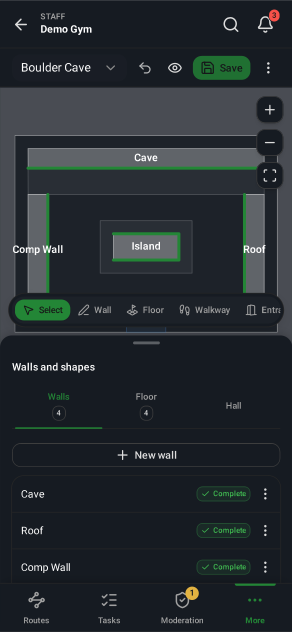
- Map editor: pick a location, create the floor plan.
- Draw walls, mats and the entrance; Save.
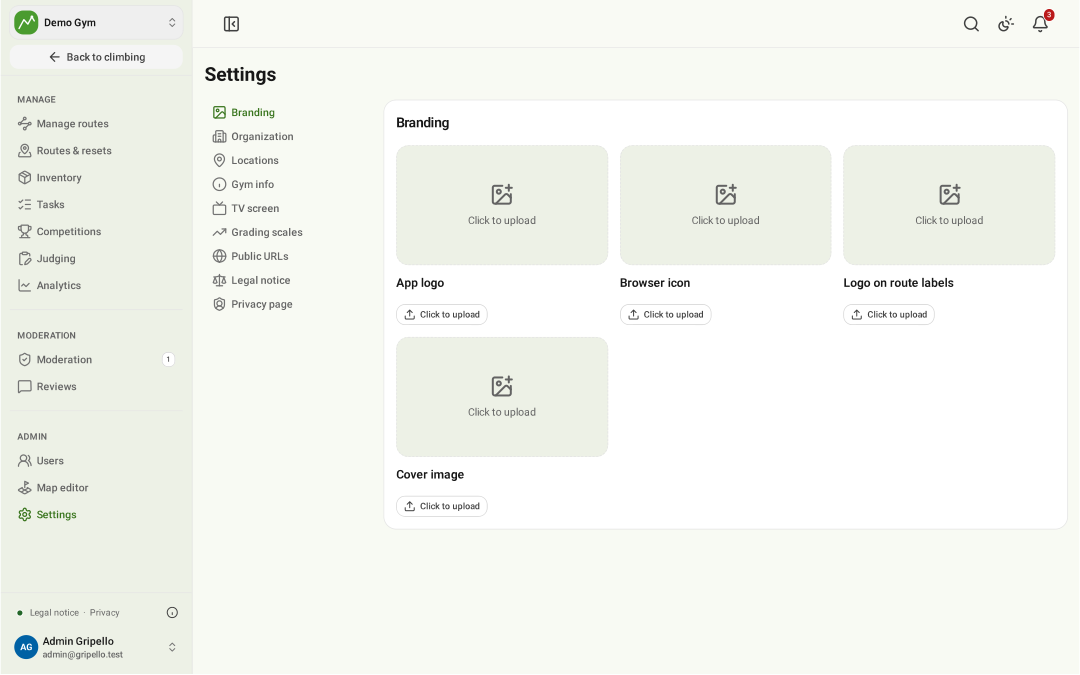
Branding
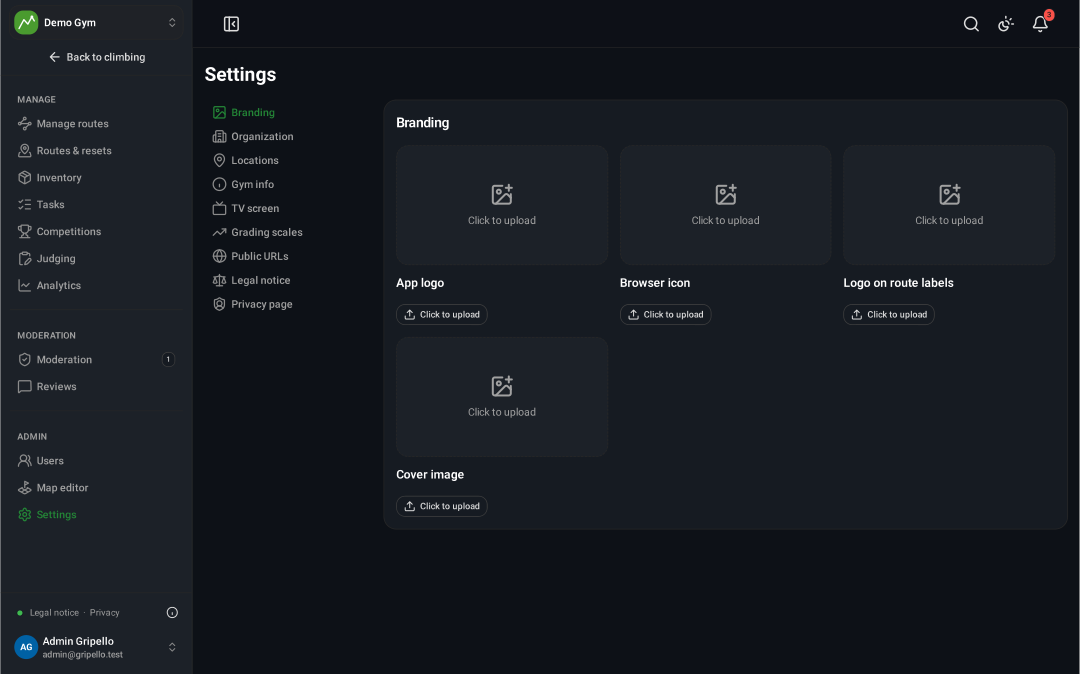
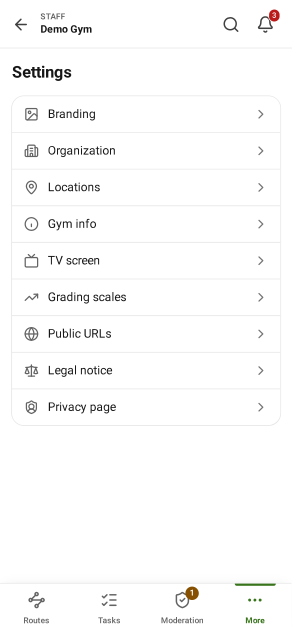
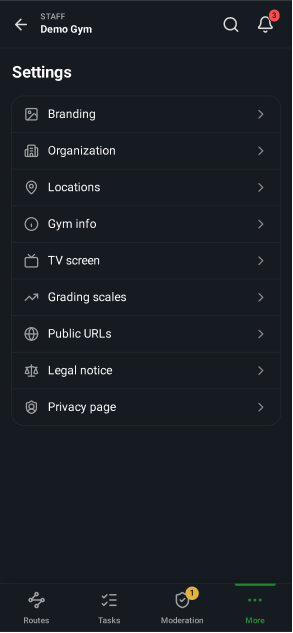
- Settings → Branding: app logo, browser icon, logo on route signs, cover image.
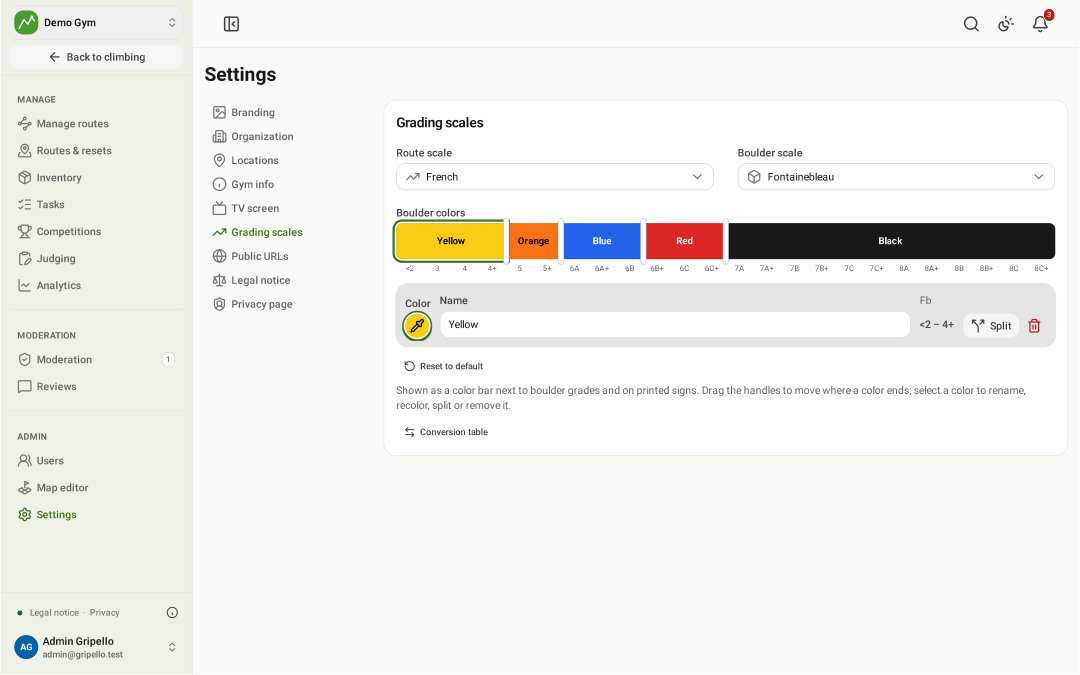
Grading scales
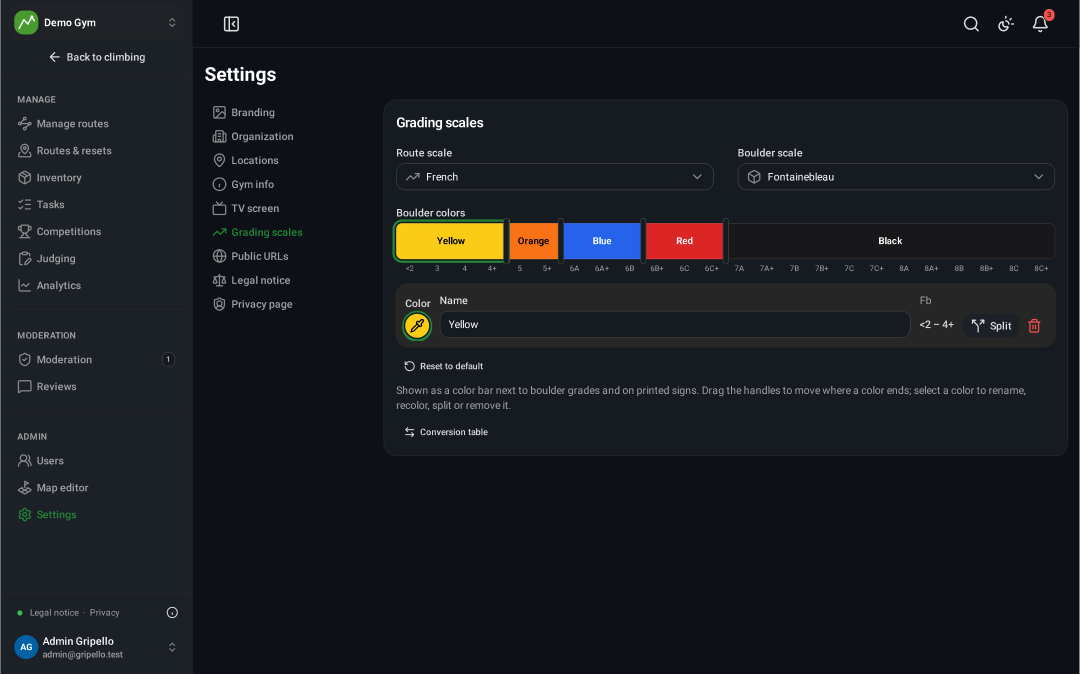
- Settings → Grading scales: the scale for routes and for boulders.
TV screen
- Settings → TV screen: what the gym TV shows.
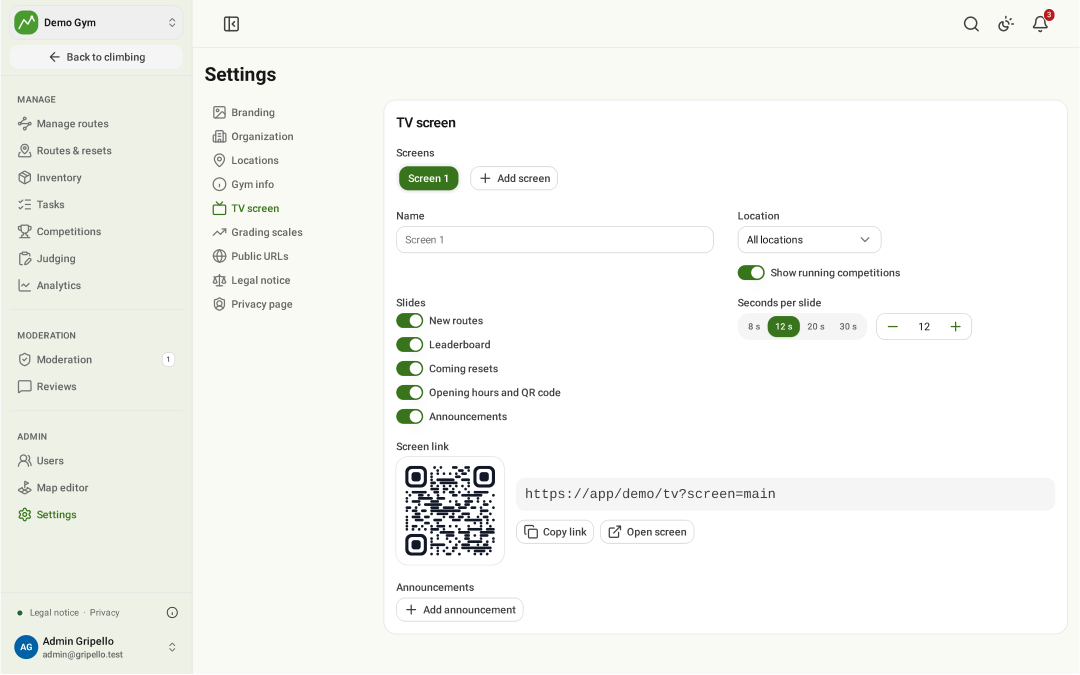
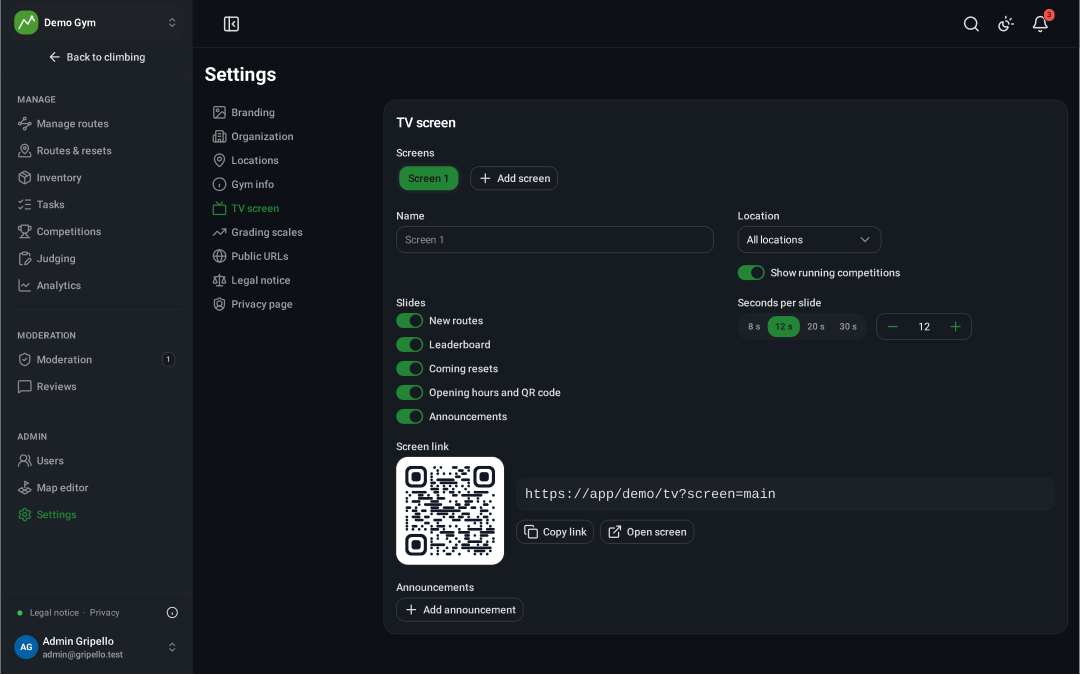
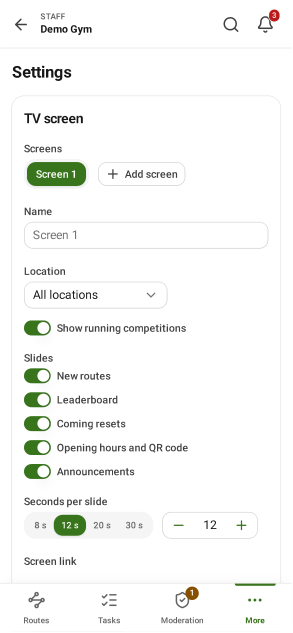
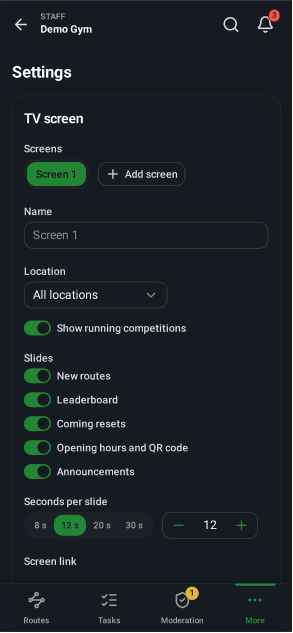
Gym TV
- Open
/<gym>/tvon a screen in the gym.


Legal notice and privacy
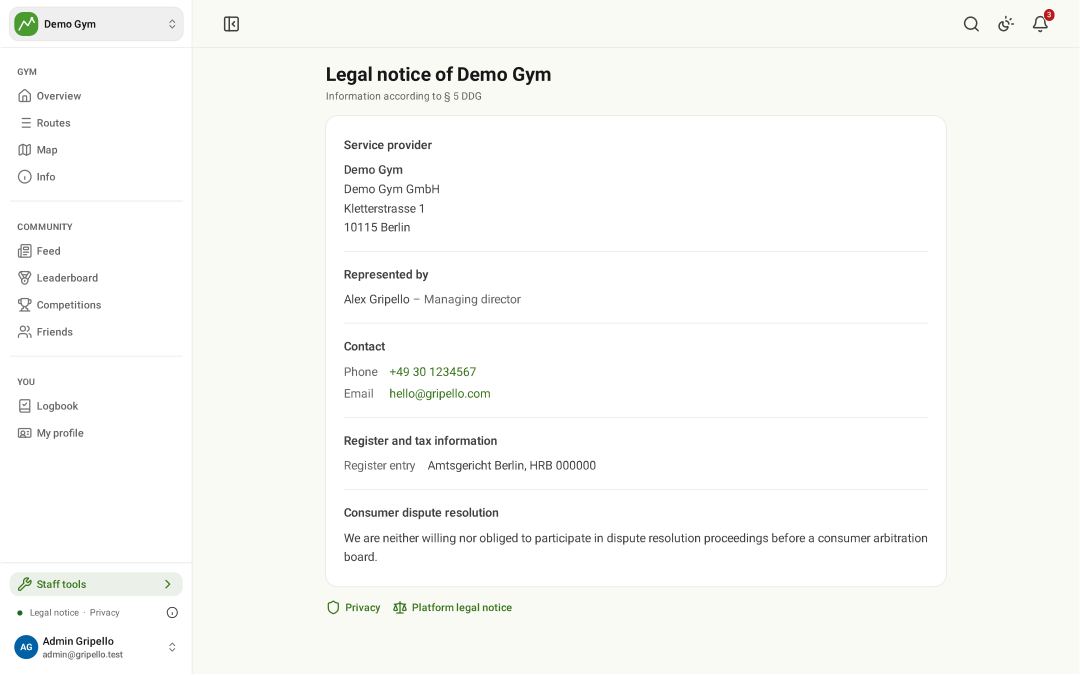
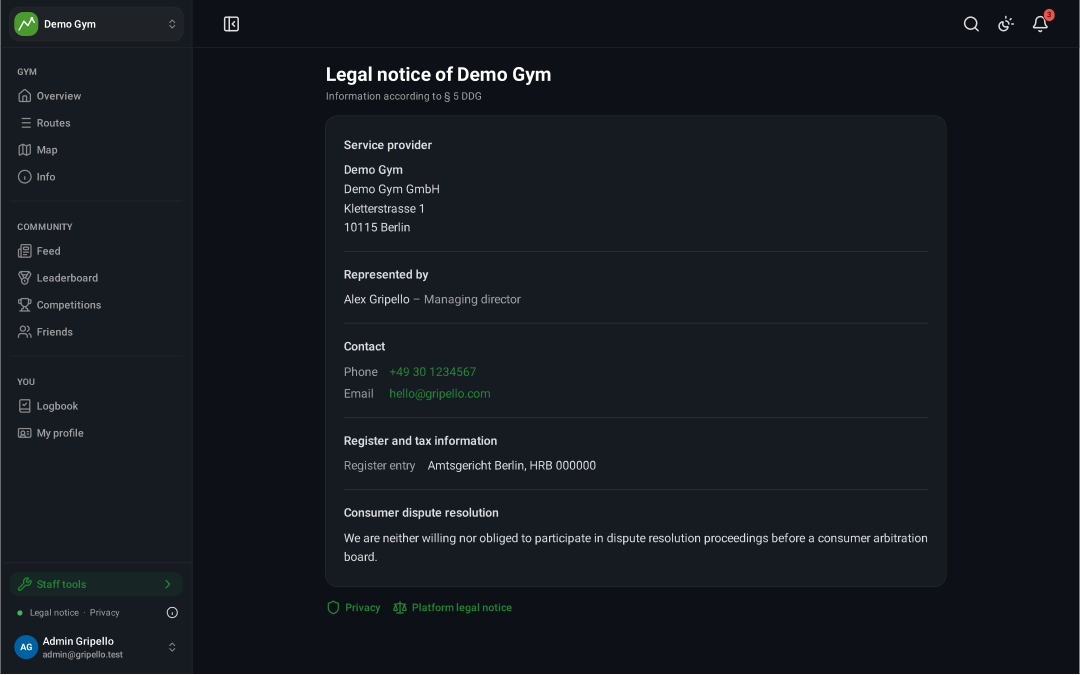
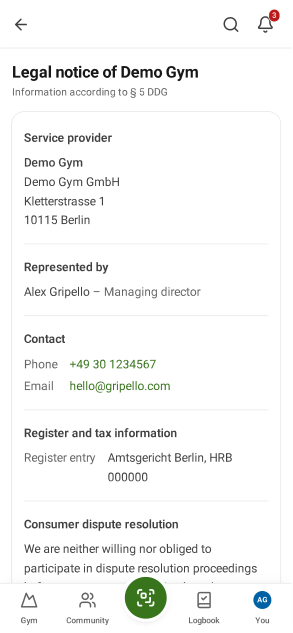
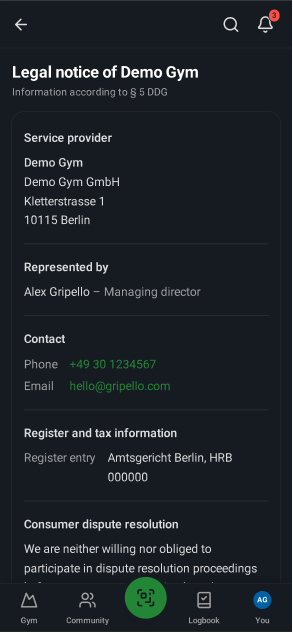
- Settings → Legal notice and Privacy page fill the gym pages below, or link your own.
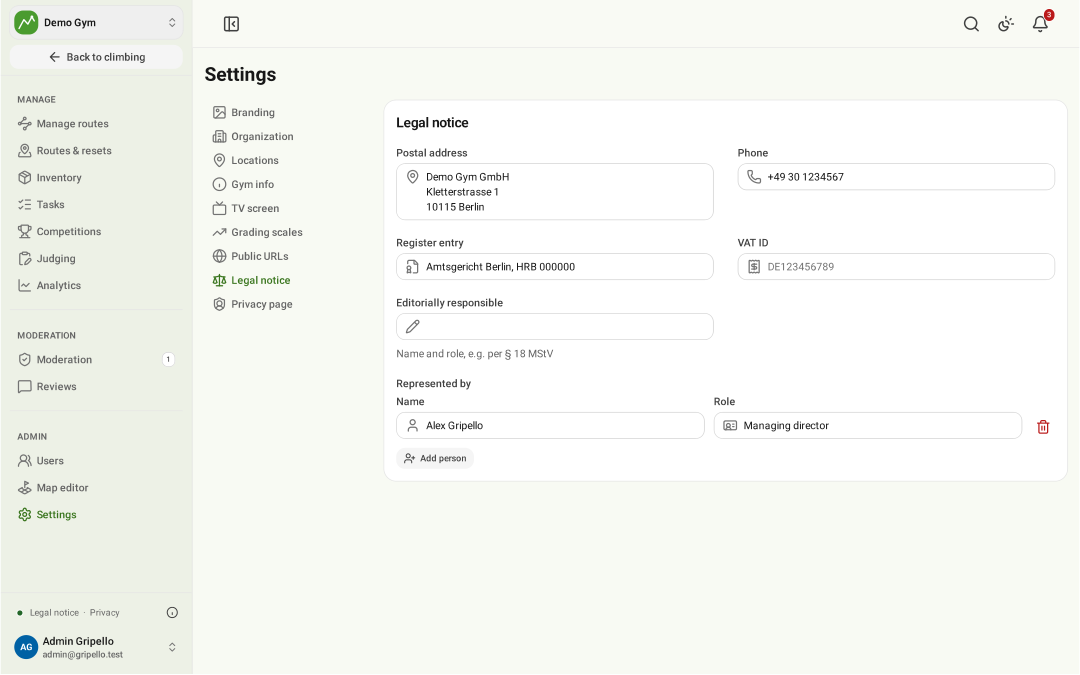
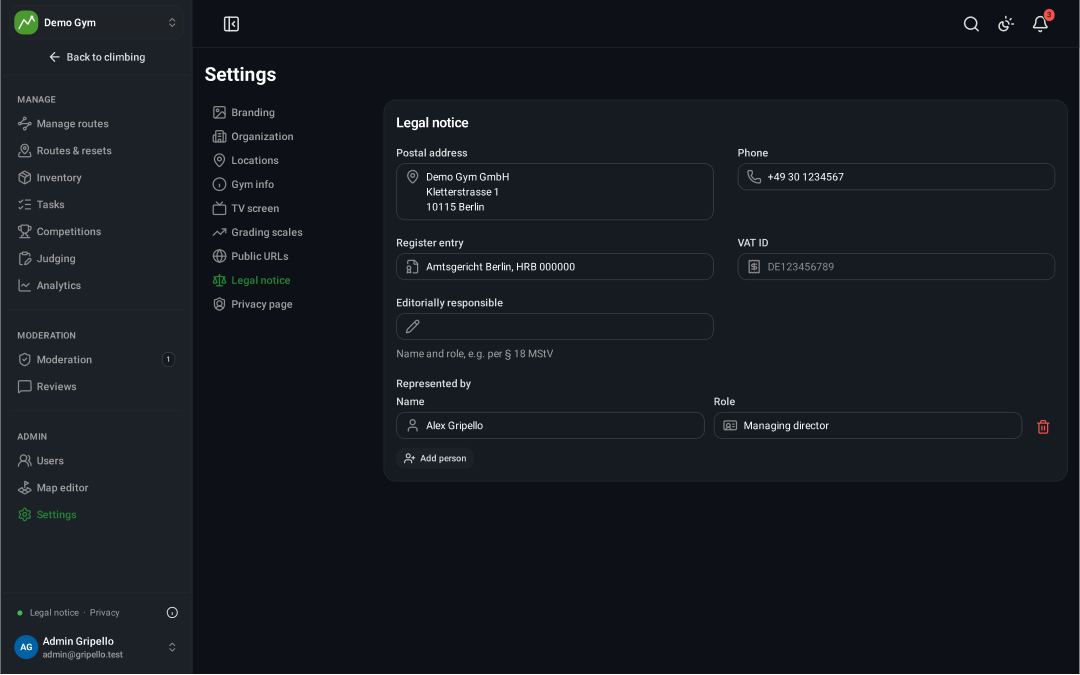
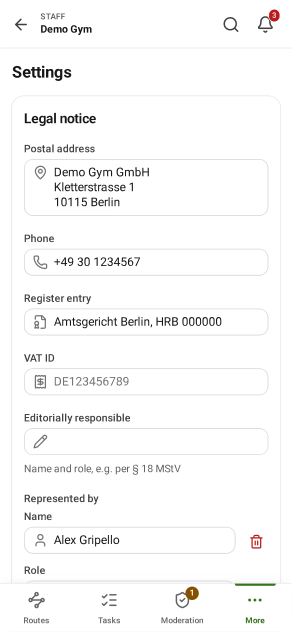
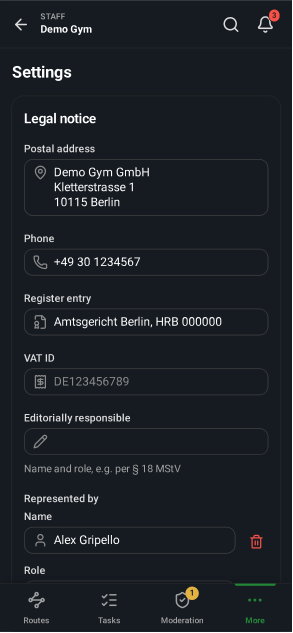
Legal notice page
- Public at
/<gym>/imprint.
Handle content reports
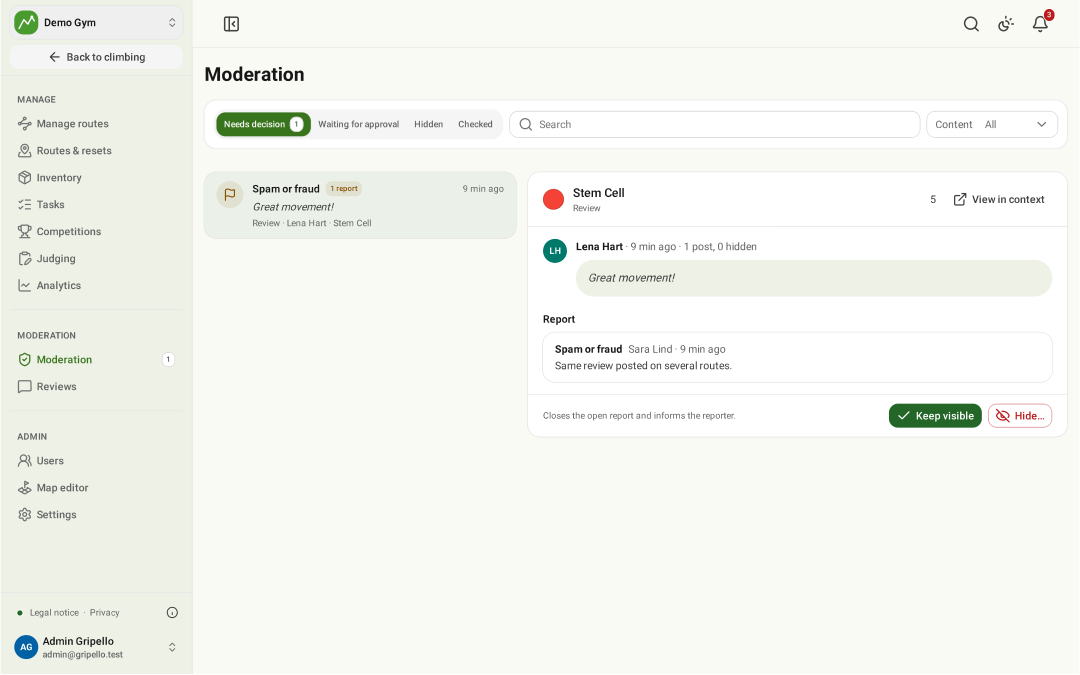
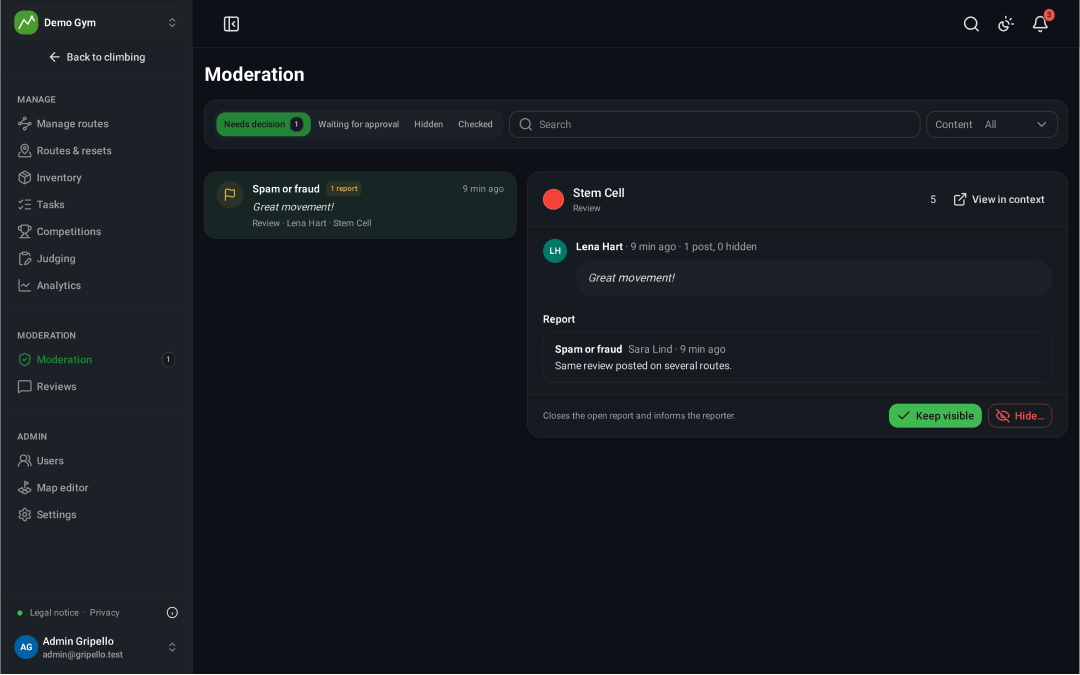
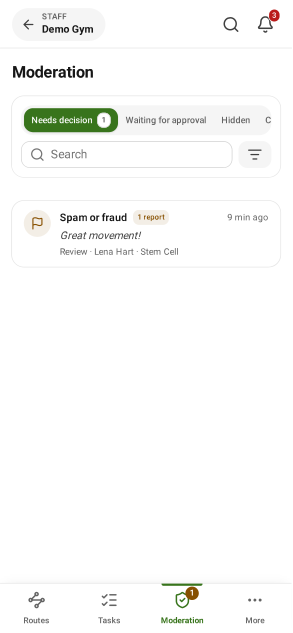
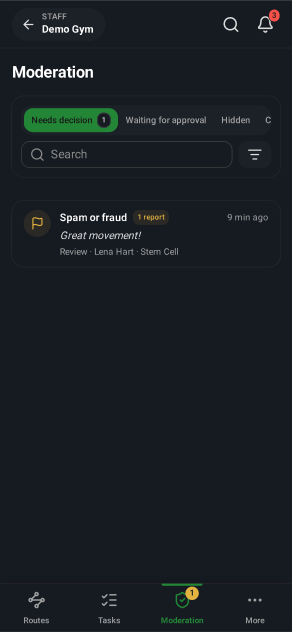
- Moderation: reported reviews and content.
- Hide or keep it; the reporter is notified (DSA).
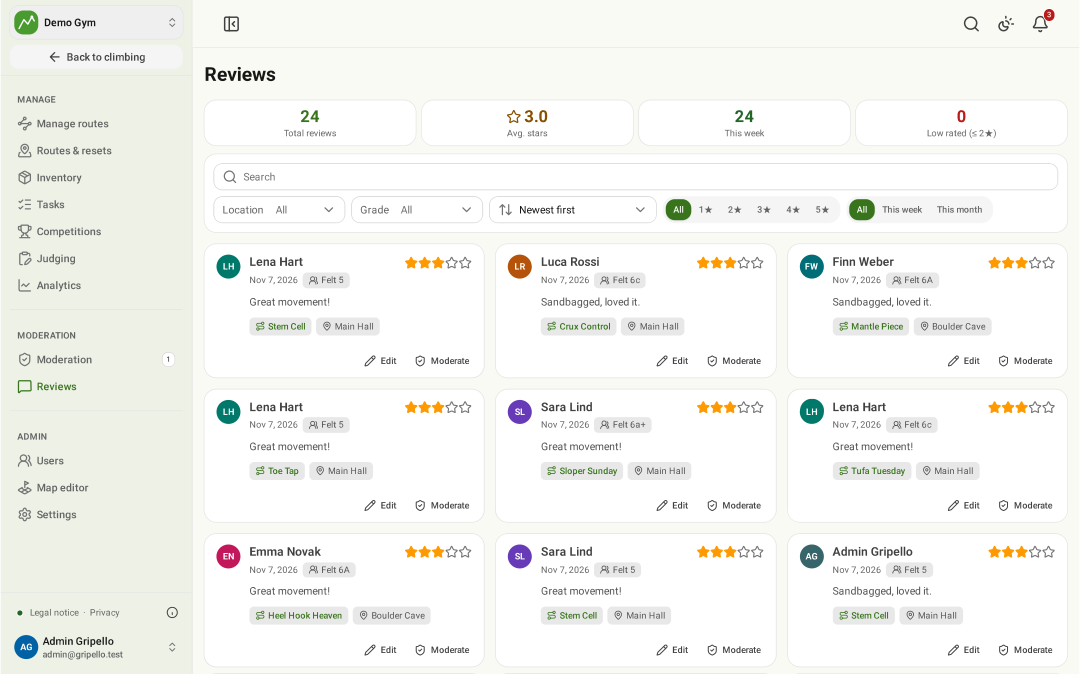
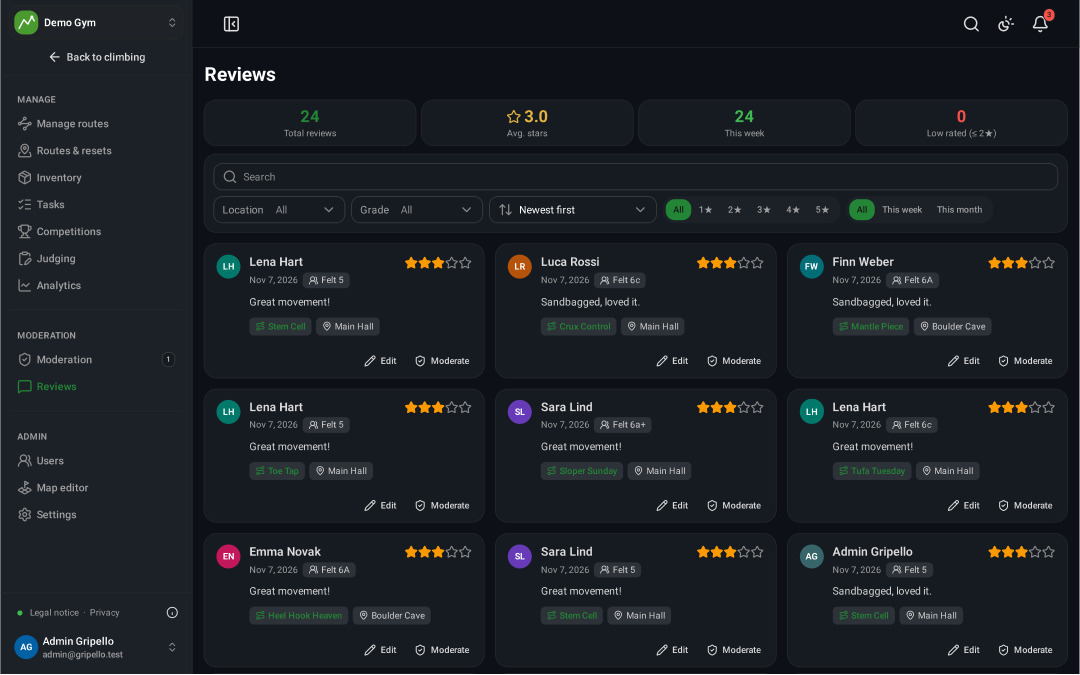
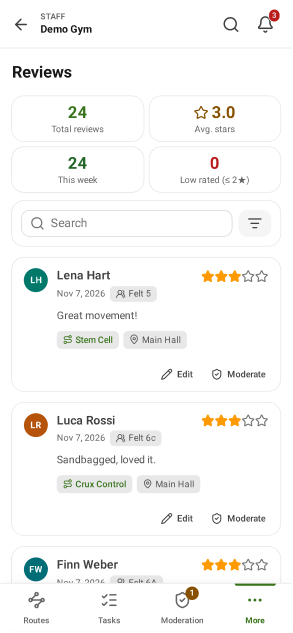
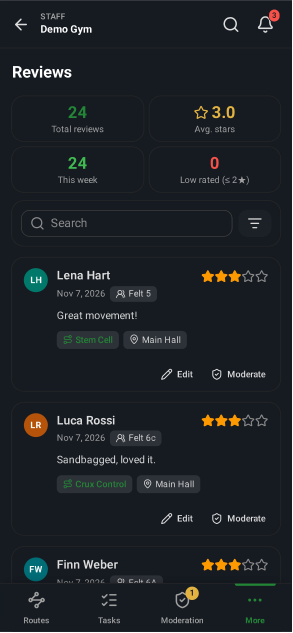
Reviews
- Reviews: read, filter and hide route reviews.