
Guide
Account
Sign up, sign in, password, two-factor, your data.
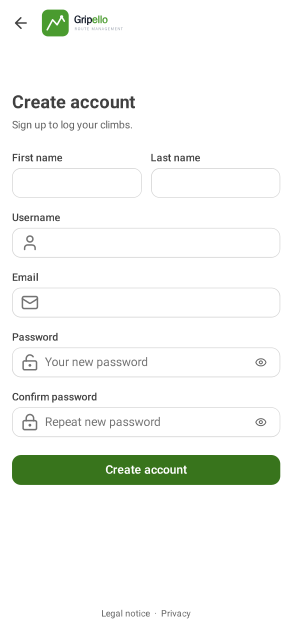
Create an account
- Open Sign in and tap Create account.
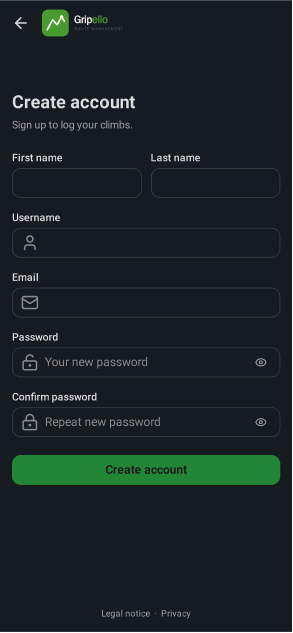
- Enter first and last name, username, email and password.
- Open the link in the email to verify your address.
- Sign-up only shows when the operator allows it; otherwise ask your gym for an invitation.


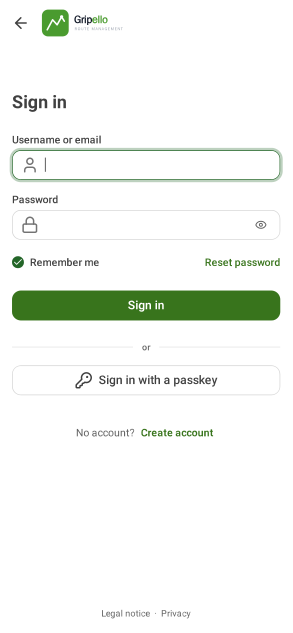
Sign in
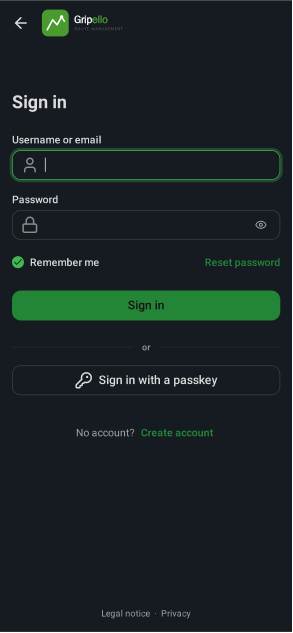
- Sign in with username or email and password, or with a passkey.
- With two-factor on, enter the code from your authenticator app next.


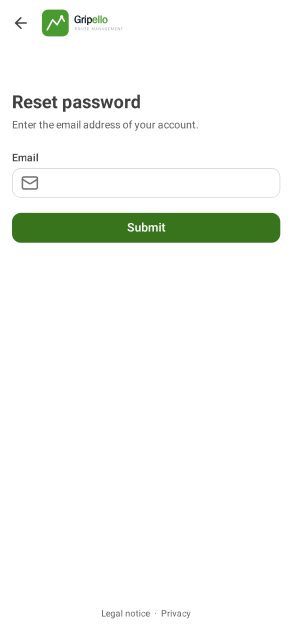
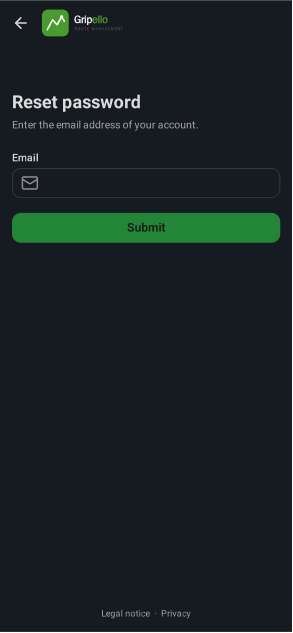
Reset your password
- On the sign-in page tap Reset password.
- Enter the email of your account and tap Submit.
- Open the link in the email (valid 30 minutes) and choose a new password. All other sessions are signed out.


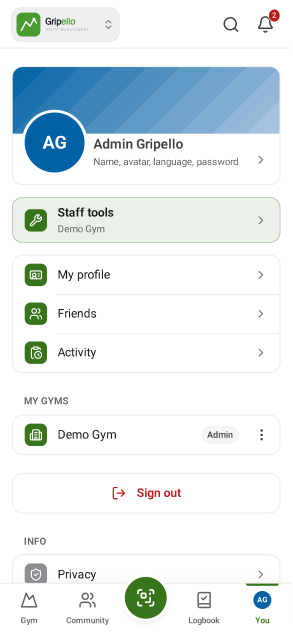
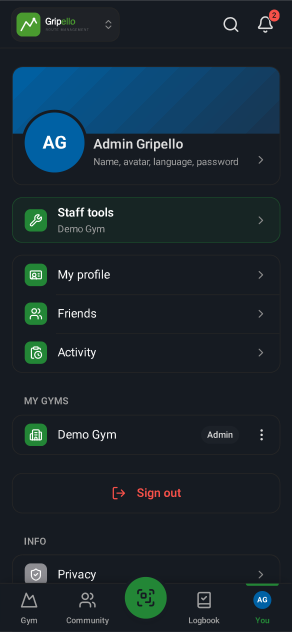
Your account
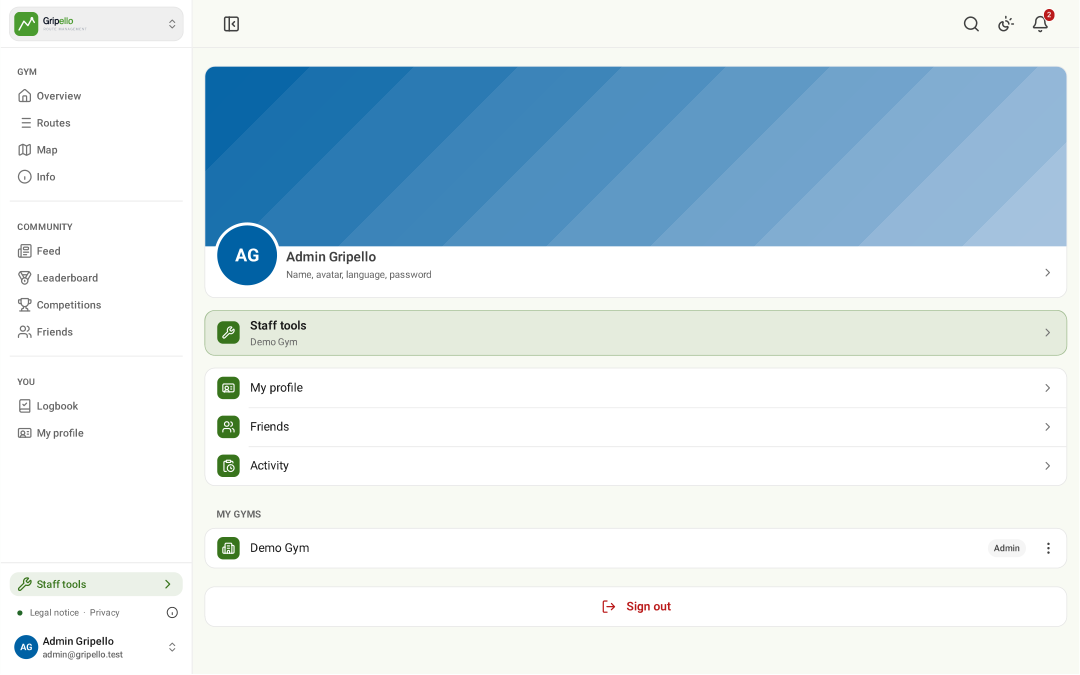
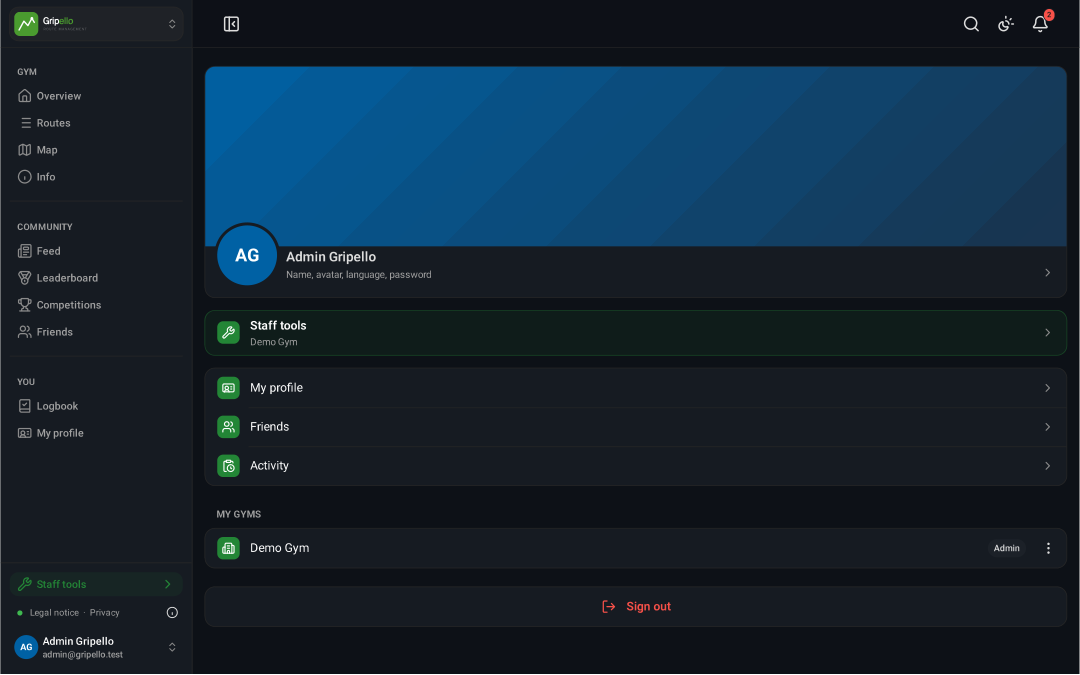
- Tap your name at the bottom of the menu.
- Profile, friends, staff tools and the gyms you belong to.
Edit your profile and email
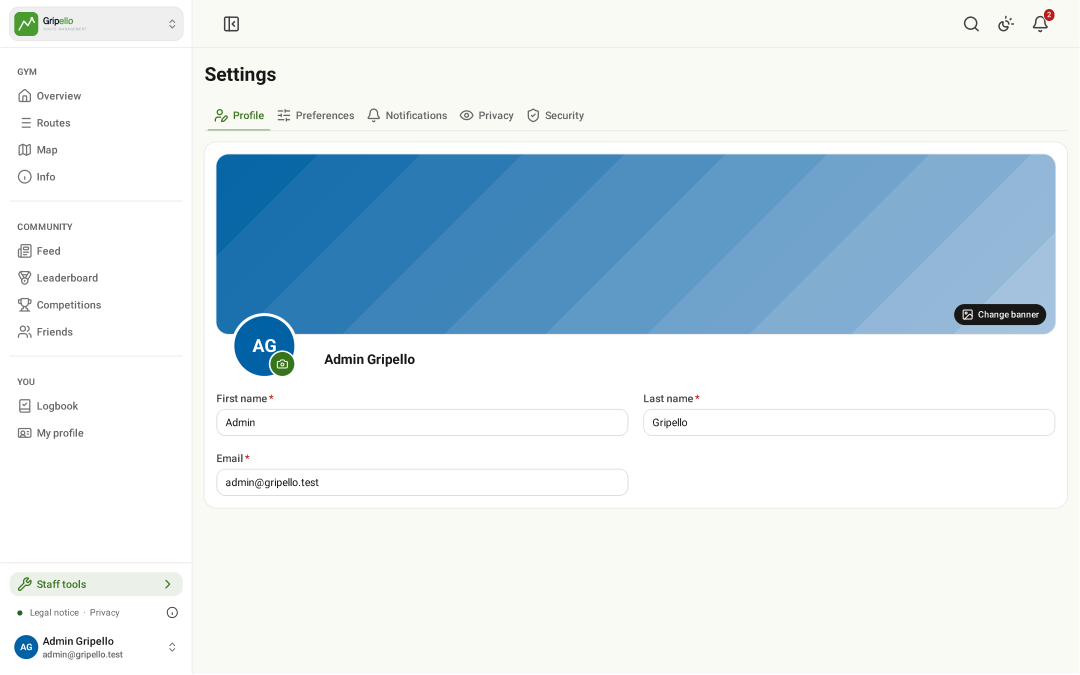
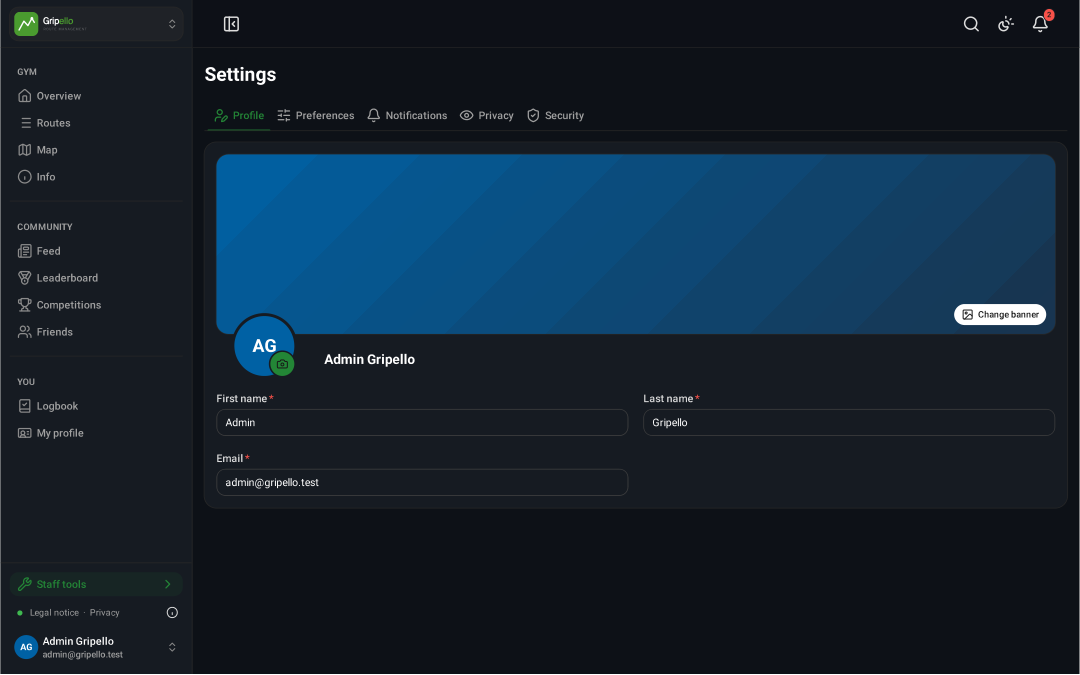
- Open Account → Settings → Profile.
- Change name, avatar or banner.
- A new email address needs your password and is active once you open the confirmation link sent to it.
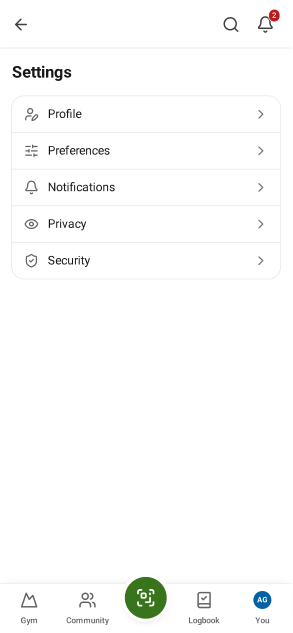
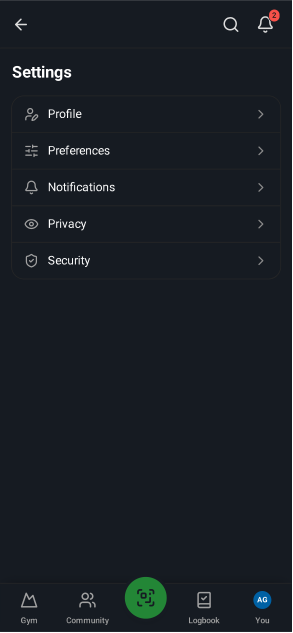
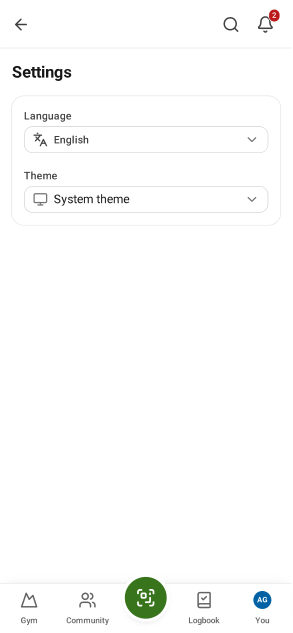
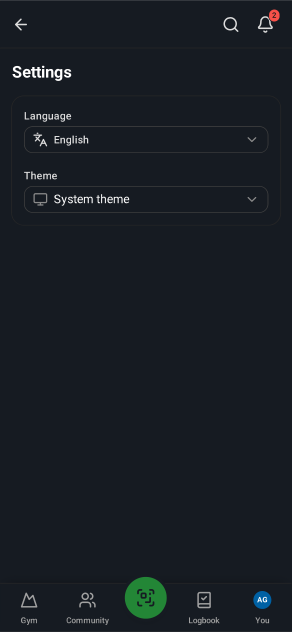
Language and theme
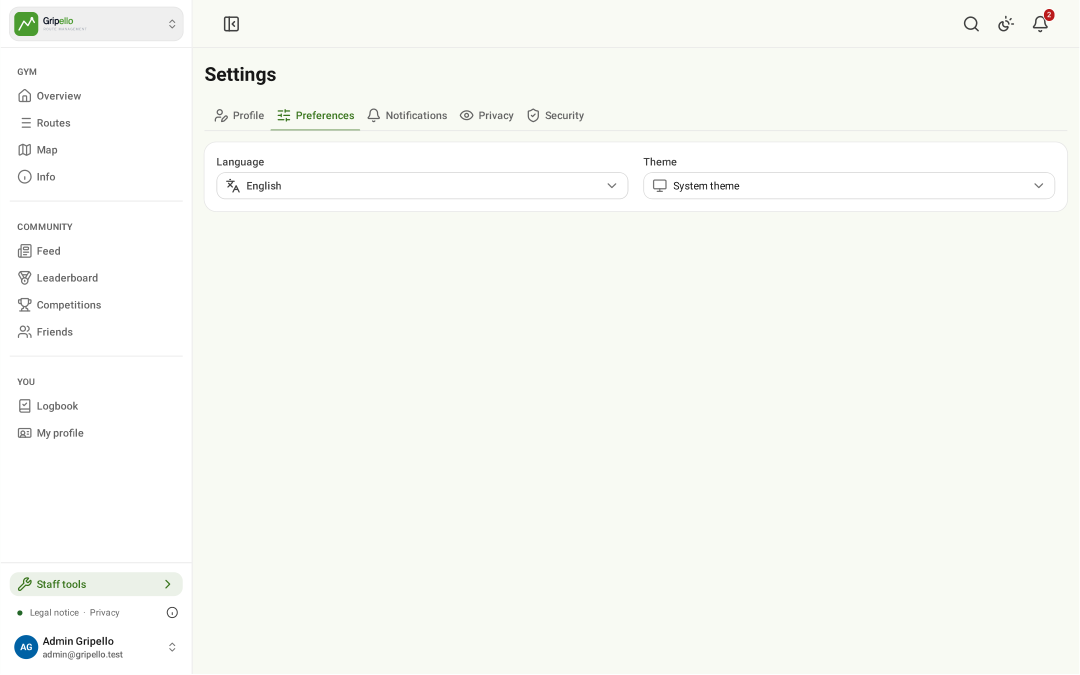
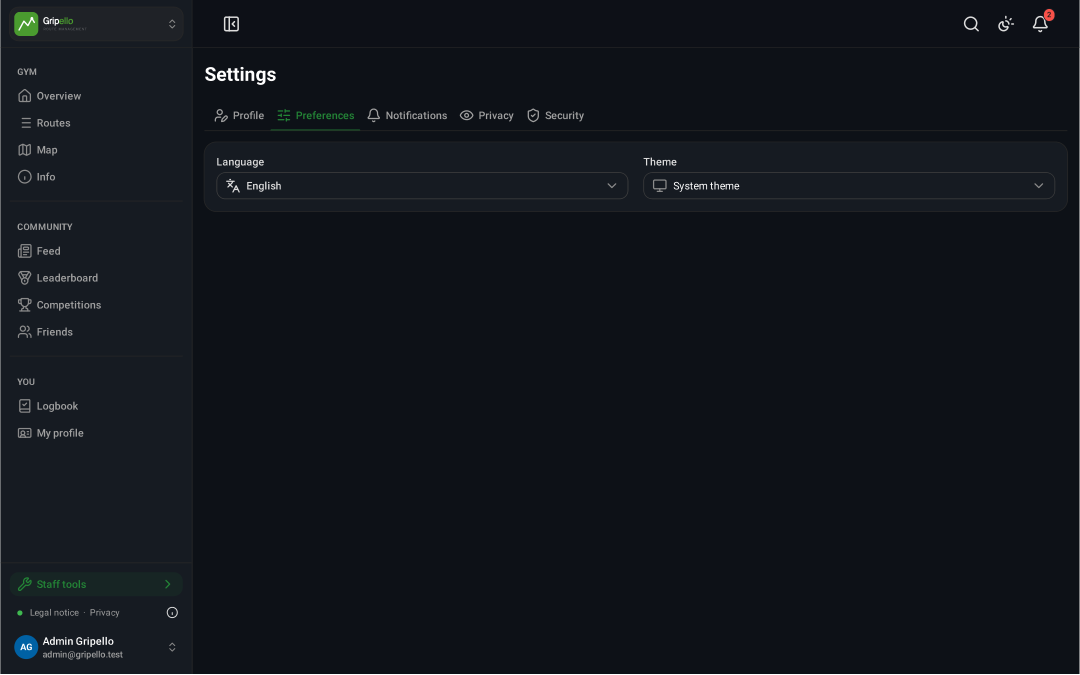
- Settings → Preferences: language, light/dark theme.
Change your password
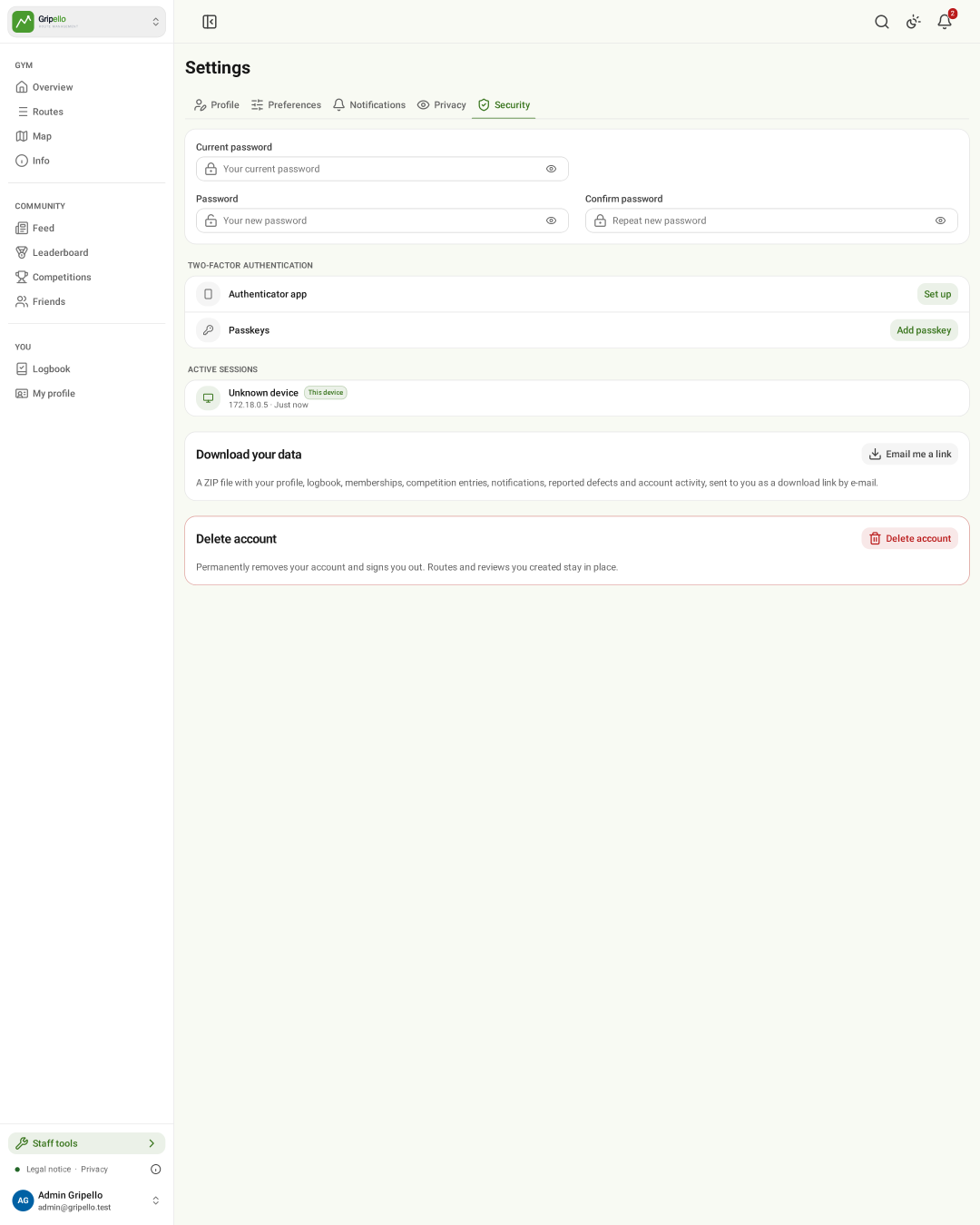
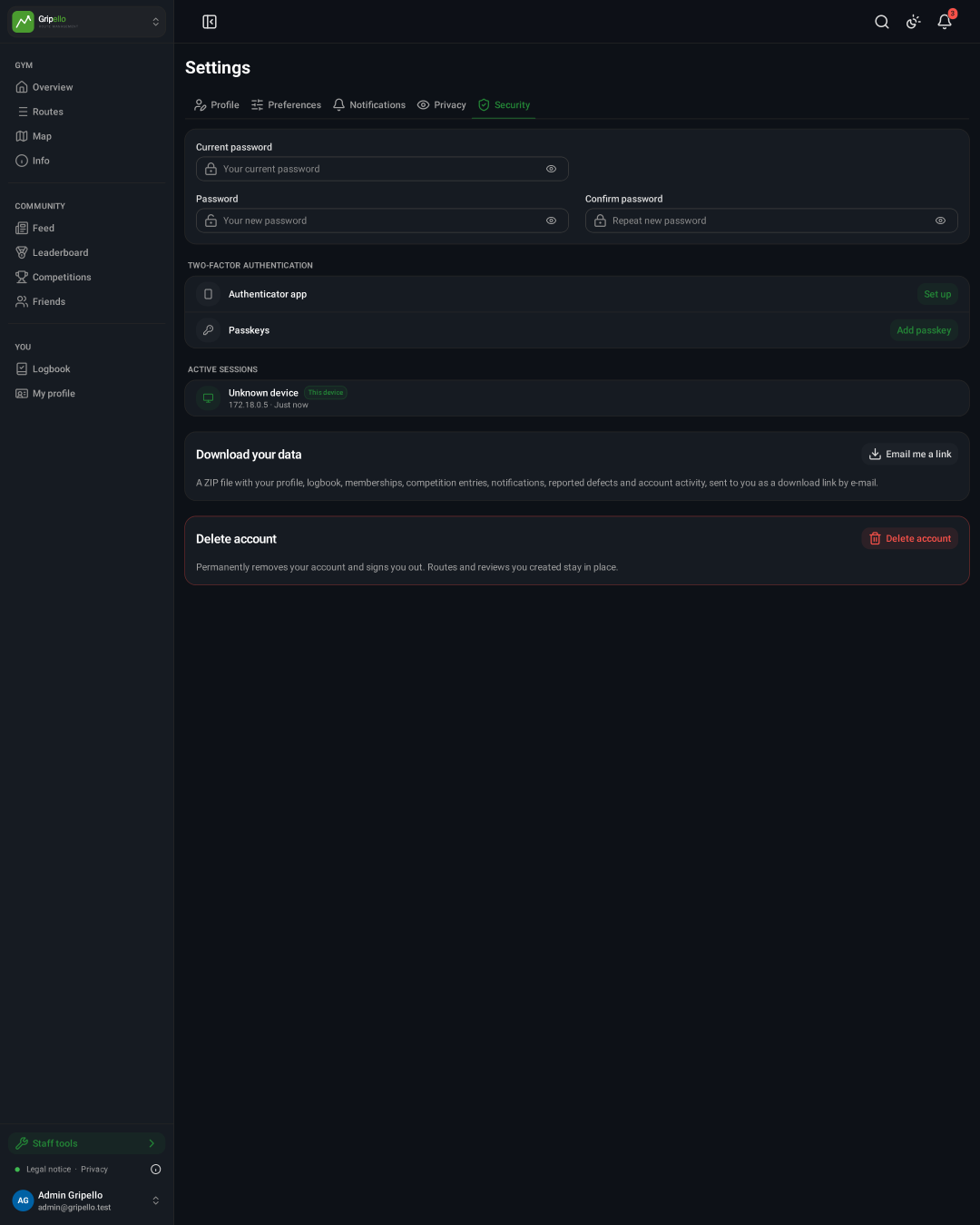
- Open Settings → Security.
- Enter the current and the new password, then save.


Turn on two-factor sign-in
- Settings → Security → Two-factor authentication.
- Set up an authenticator app or add a passkey.
- Store the recovery codes somewhere safe.
Sign out other devices
- Settings → Security lists active sessions; sign out the ones you do not recognise.
Download your data
- Settings → Security → Download your data → Email me a link.
- The link in the email works for 7 days.
Delete your account
- Settings → Security → Delete account.
- Routes and reviews you created stay; your profile, logbook and memberships are removed.
Notifications
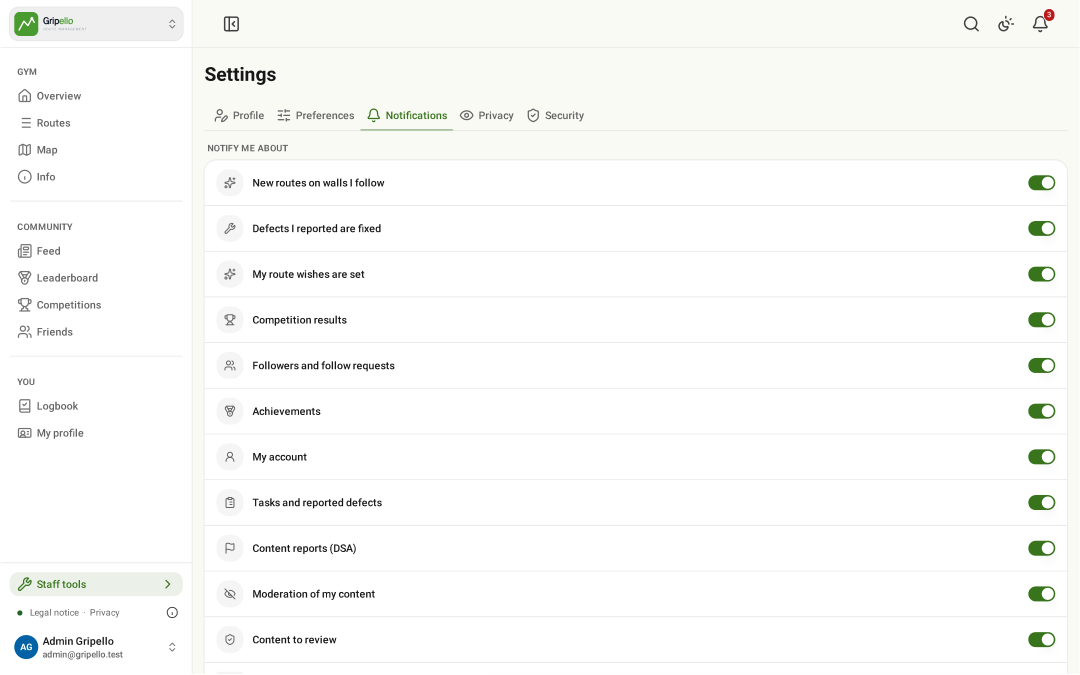
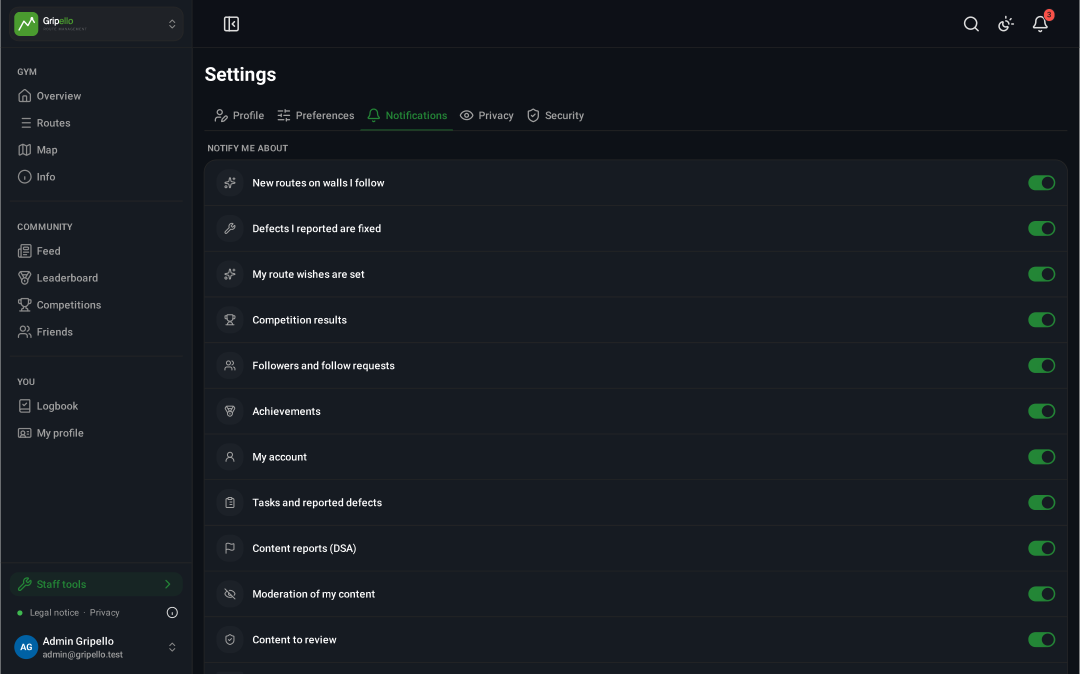
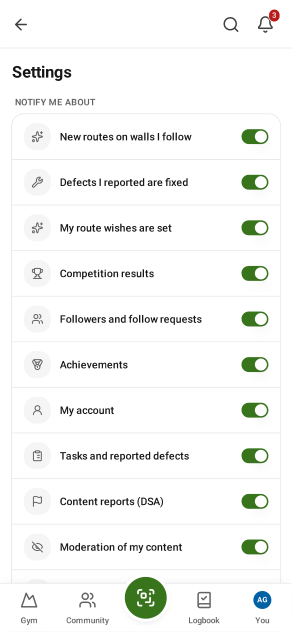
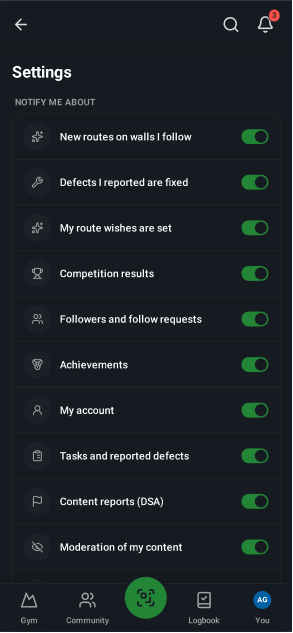
- Settings → Notifications: turn on push for this device and pick the topics.
Privacy
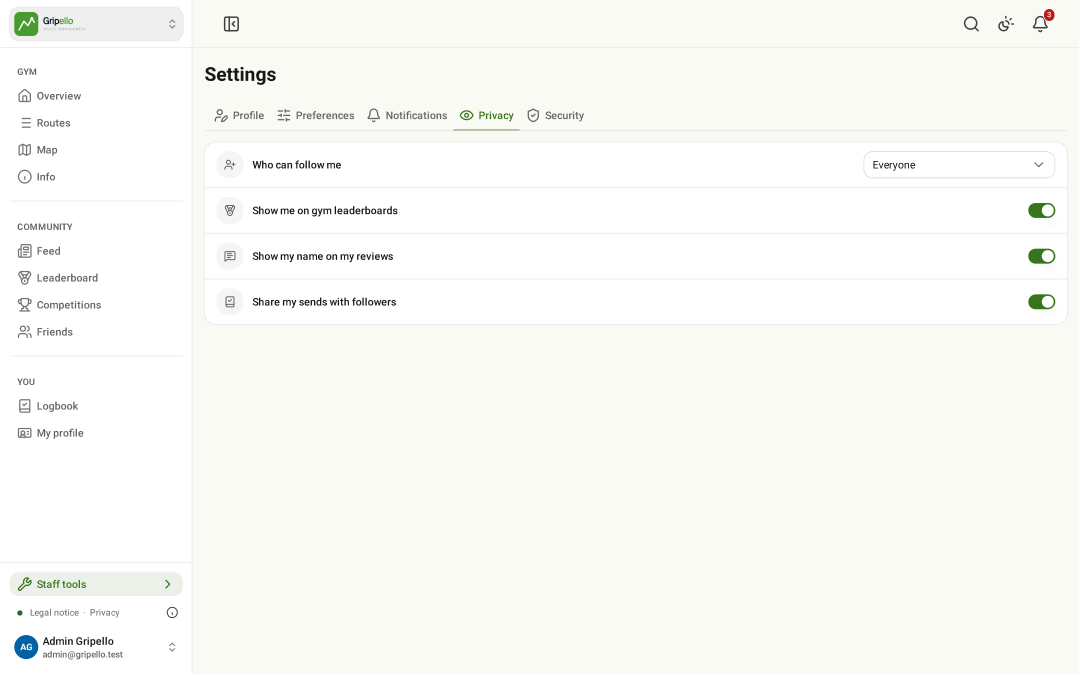
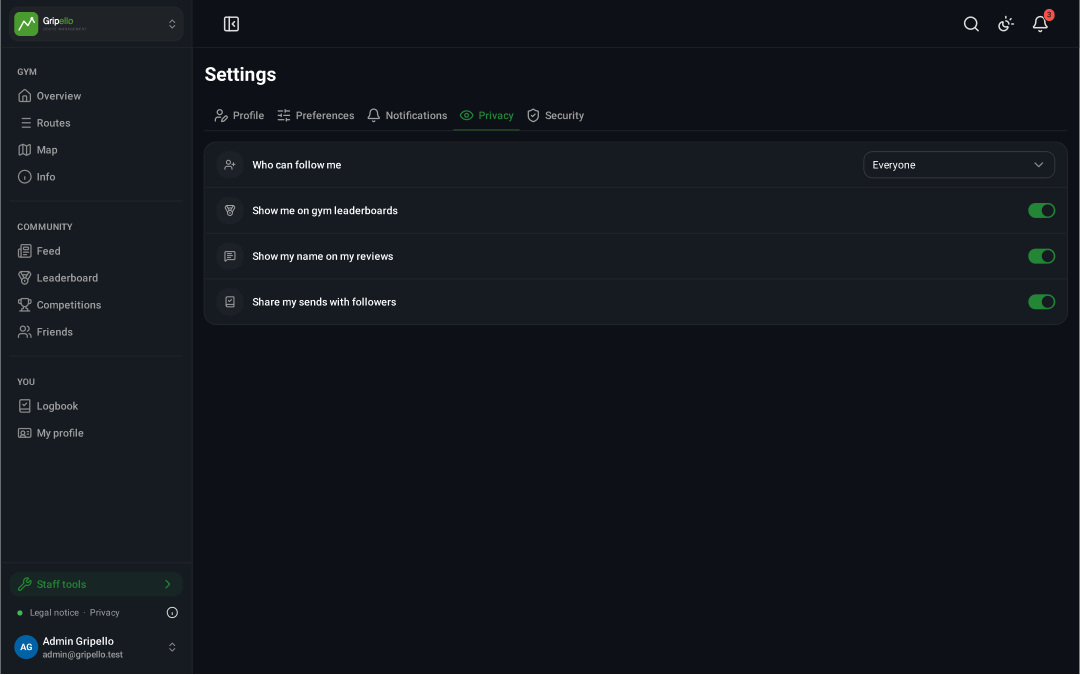
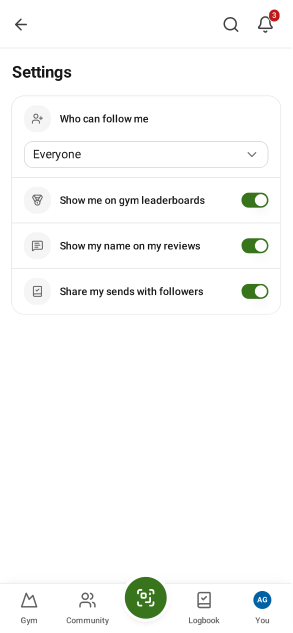
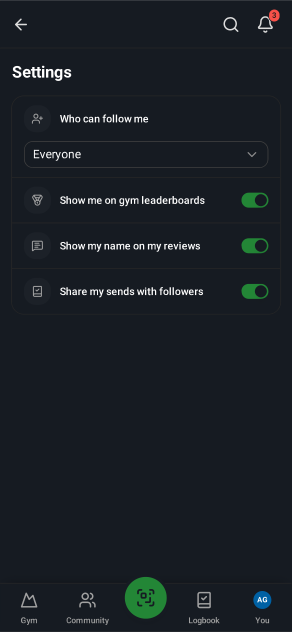
- Settings → Privacy: who can follow you, leaderboard visibility, your name on reviews, sharing sends.
Activity log
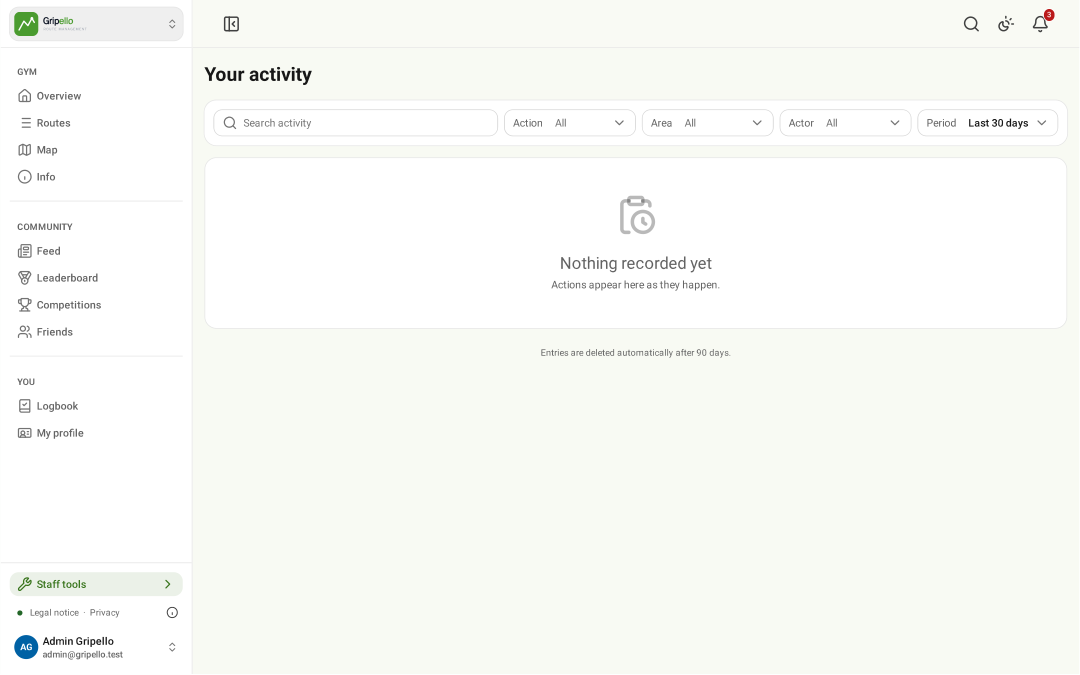
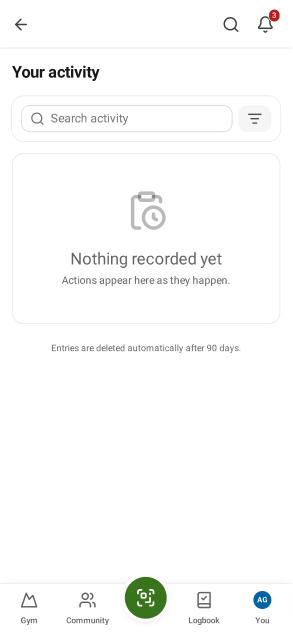
- Account → Activity: sign-ins and changes to your account.